
App guides
Drawing App vs Coloring App: Which Should You Choose?
Not sure whether a drawing app or a coloring app fits you? This guide compares the two and shows where ColorDood fits for easy, freehand coloring.
Updated November 17, 2026 · 8 min read · 1,105 words
Whether you need a drawing app or a coloring app comes down to one thing: do you want to create the lines yourself, or fill in lines that are already there? A drawing app starts you on a blank canvas and asks you to build shapes, sketches, and strokes from scratch. A coloring app hands you finished outlines and lets you choose the colors. ColorDood sits firmly in the coloring camp. It is a free coloring book app for adults, kids, and families on iPhone, iPad, and Android, built around freehand coloring with pre-drawn pages. In this guide we compare the two kinds of app so you can pick the one that fits how you like to spend your time.
What a drawing app and a coloring app actually do
A drawing app and a coloring app are two different tools with two different starting points. A drawing app opens onto an empty canvas. You draw the lines, build the shapes, and decide every edge yourself. General sketching and paint programs work this way, where your own hand makes the picture. A coloring app opens onto a page that someone has already drawn. Your job is to pick colors and fill the areas. ColorDood works this second way: you tap or paint inside pre-drawn outlines rather than drawing them. Neither kind is better on its own; they simply suit different goals, and knowing the difference saves you from downloading the wrong app.
That difference shapes the whole experience. With a drawing app, a blank page can feel exciting or intimidating, depending on your mood and skill. You need an idea before you start, and you judge the result by how well you drew it. With a coloring app, the idea is already on the screen. You can start with a single tap, and the outlines guide where color goes. ColorDood uses freehand coloring, not color by number, so there are no numbered cells to follow and no strict order. You choose the palette and the tools, and there is no wrong answer. For many people that makes coloring the more restful of the two.
How to choose the right app for you
Use a short checklist before you install anything. Think about what you want to make, how much time you have, and whether you want to learn drawing skills or simply enjoy color. The questions below are practical, not rules. Answer them honestly and the choice usually becomes clear. If you want a calm, pick-up-and-go activity with no blank page to face, a coloring app like ColorDood will fit. You can browse the library at /coloring-pages and see the kinds of pages waiting for you.
- Pick a drawing app if you want to build your own art from a blank canvas and enjoy sketching the outlines yourself.
- Pick a coloring app if you would rather fill in ready-made line art and choose colors without drawing first.
- Choose freehand coloring, like ColorDood, if you dislike numbered cells and want freedom over every shade.
- Check offline needs: ColorDood works with no WiFi once pages are on your device, with a full library download in Premium.
- Look at cost: Free includes 250+ pages and 1 AI generation a day; Premium is $4.99/month or $49.99/year.
- If you are new to digital coloring, the guide at /blog/digital-coloring-guide-for-beginners walks through a first session.
Where ColorDood fits, and what it does not do
ColorDood is a coloring app, not a drawing app, and it is honest about that. You get pre-drawn outlines to color with 11 tools including Fill, Brush, Pencil, Marker, Watercolor, Neon, Glitter, Spray, Smudge, Eraser, and Eyedropper. Free includes 250+ pages, core tools, and 1 AI generation a day; Premium unlocks 4,500+ pages, 50+ palettes, all tools, PDF and HD/timelapse exports, 5 AI generations a day, and a full offline library. The library is family friendly and scholar-guided, with original art such as patterns, flowers, food, homes, vehicles, objects, and 99 Names of Allah. It leaves out animals, holiday packs, and licensed characters. You can read more on the /features page.
What ColorDood does not try to be is a general drawing tool, so if your goal is to sketch original characters from nothing, a drawing app is the better match. Coloring here is a leisure activity, not medical care, and it does not treat or replace professional support. If the offline side matters most, the comparison at /blog/coloring-apps-for-android-phone covers Android options, and /blog/coloring-book-app-digital-pages explains how digital pages compare with a paper book. For printable sheets you can print at home, /free-pdfs has free PDFs, and /pricing lists the current plans. Those resources sit alongside this one so you can choose with clear information.
Free line art
Pages you can print from this guide
Every thumbnail is a real page from the ColorDood library. Open one to download the PNG or print a PDF — no signup.
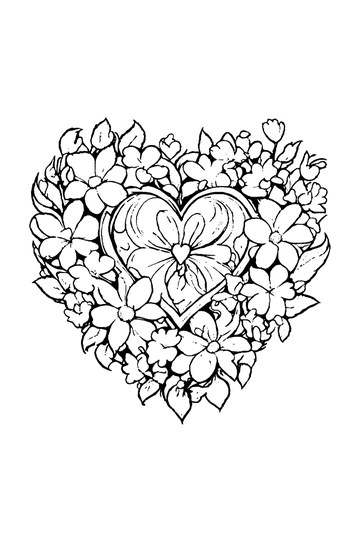
Adult Coloring Page: Heart with Flowers
Abstract Drawing of Upside-Down Sphere with Grid Lines
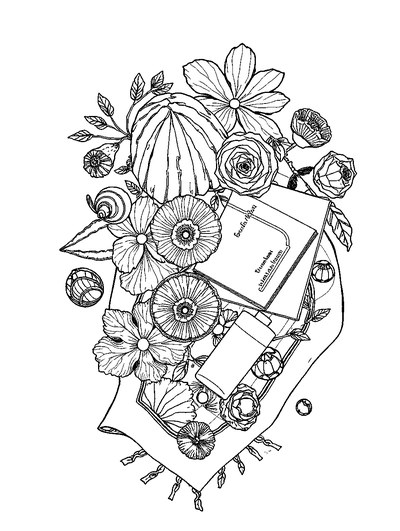
Aesthetic Beach Towel Flat Lay with Shells, Book, and Sun Lotion

Ad-Darr — The Distresser
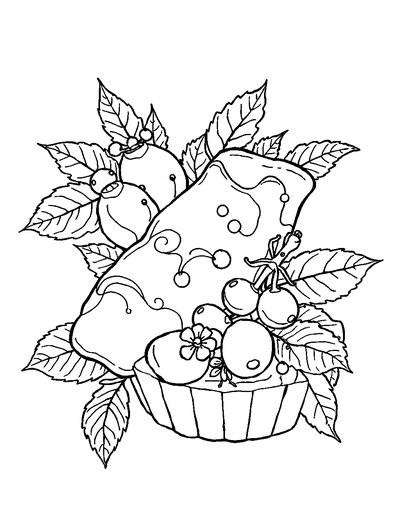
Aesthetic Glazed Fruit Tartlets Topped with Glossy Berries
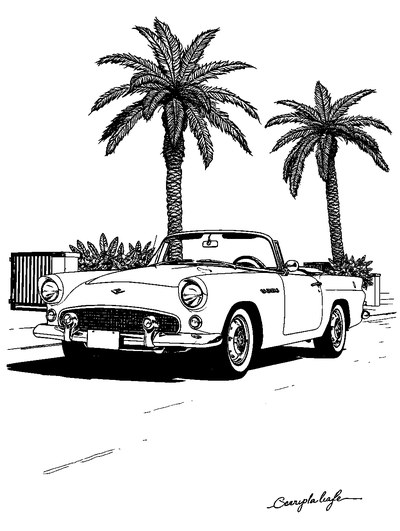
1950s Vintage Convertible Roadster Parked Beside Palm Promenade
Frequently asked questions
Is a drawing app or a coloring app better for beginners?
For most beginners, a coloring app is the easier starting point. A drawing app asks you to create lines and shapes from a blank canvas, while a coloring app gives you pre-drawn outlines to fill in. ColorDood is a freehand coloring app with ready-made pages and simple tools, so you can enjoy making something without needing to draw first. Try a coloring app if you want a calm, low-effort start.
Can a coloring app replace a drawing app?
A coloring app does not replace a drawing app, because the two do different jobs. A drawing app is built for making your own art from scratch. ColorDood is built for coloring pre-drawn line art with freehand tools like Fill, Brush, and Watercolor. It is not a general drawing tool, but it lets you create a finished picture without drawing the outlines yourself. Choose based on whether you want to draw or to color.
Which drawing app works offline without an account?
If offline use matters, look for an app that keeps pages and tools on your device once they are downloaded. ColorDood works with no WiFi after pages are on your device, keeps your gallery on-device, and needs no login. ColorDood Free includes 250+ pages and core tools, while Premium adds a full offline library download. That makes it a calm choice when you want to color without an account or connection.
Ready to play a free coloring game?
Download ColorDood — free AI adult coloring book and coloring game with 250+ free pages (4,500+ with Premium), 50+ color palettes, PDF & HD exports (Premium), and no login required.
