
App guides
Coloring Apps for Android: How to Choose the Right One
Choosing among coloring apps is easier with a clear checklist; here is what to look for, and where ColorDood fits.
Updated November 17, 2026 · 8 min read · 1,047 words
When you compare coloring apps for your Android phone, start with how you like to color rather than a list of features. Coloring apps come in two broad kinds: freehand apps with open line art you fill in yourself, and color-by-number apps that assign a shade to each numbered cell. If you want the first kind, ColorDood is worth a look. It is a free coloring book app for adults, kids, and families on Android and on iPhone and iPad, built around 11 freehand tools, swipe-to-discover pages, and a family-safe library. This guide gives you a criteria-first checklist, names the trade-offs, and shows where ColorDood fits. There is no single winner here, only a better or worse fit for your habits. Coloring is a leisure activity, not medical care.
What are coloring apps, and which kind do you want?
Coloring apps are programs that give you pre-drawn outlines to fill with color on a screen. The main split is freehand versus color-by-number. Freehand apps give you open line art and a set of brushes; you tap or drag to place color wherever you choose, and you pick every shade yourself. Color-by-number apps show numbered regions and ask you to match a given shade to each number, which reveals a fixed picture as you go. ColorDood sits in the freehand group, so there are no numbered cells to follow and no single correct result. Your finished page reflects the colors you chose, not a key you had to obey.
That distinction matters more than most other features, because it shapes every session you have. If you enjoy choosing your own palette, mixing shades, and adding texture, a freehand app will suit you. If you would rather follow a clear set of instructions and reveal a picture step by step, a color-by-number app may feel easier to start. Neither kind is better in every case; they simply ask different things of you. The guide at /blog/drawing-app-vs-coloring-app-which-to-choose goes deeper on how a coloring app differs from a general drawing app, which is a separate decision again. Knowing which camp you fall into makes the rest of the checklist much easier to work through.
A checklist for comparing coloring apps on Android
Use the same short list for every app you try. It keeps the comparison fair and stops a large page count or a flashy preview from hiding the things that matter day to day. ColorDood does well on several of these points, but you should check each one against what you actually want rather than taking any single app as the default. Write down your must-haves before you install anything, then test each app against them for a few minutes. Most of these answers are visible on a store listing or a settings screen, so you rarely need to install an app just to rule it out.
- Coloring style: freehand tools you control, or fixed color-by-number cells
- Free tier: what you get before paying, and any daily generation limits
- Offline use: whether saved pages and core tools work with no WiFi
- Library fit: categories that suit adults, kids, or a mixed household
- Exports: image files, PDF for printing, or timelapse video
- Account and ads: whether a login is needed and how ads are handled
- Device support: Android phone and tablet, plus any other platforms
- Updates and size: a small download and a history of regular fixes
How ColorDood fits the checklist
ColorDood covers most of the points above without asking for an account. It is available on Android through Google Play and on iPhone and iPad through the App Store, so a family with mixed devices can share the same library. Free gets you 250+ pages and core tools; Premium unlocks 4,500+ pages, 50+ palettes, all premium tools, and the full offline library download. The 11 tools include Fill, Brush, Pencil, Marker, Watercolor, Neon, Glitter, Spray, Smudge, Eraser, and Eyedropper. You can export a finished page as an image, a PDF for printing, or a timelapse video. Premium is $4.99 a month or $49.99 a year, with final prices varying by region, so check the current figure in your store.
ColorDood pages are original art rather than licensed characters: patterns, flowers, food, homes, vehicles, objects, and 99 Names of Allah pages. There are no animals or birds, and no Christmas or Halloween packs, which makes it a calm choice for families who want one app for different ages. You can preview the range at /coloring-pages, read more about the toolset at /features, or pick up free printables at /free-pdfs. For digital coloring basics, /blog/digital-coloring-guide-for-beginners is a useful next read, and /blog/coloring-book-app-digital-pages explains how a digital book compares with paper. Together those guides cover the choices this page only has room to introduce.
Free line art
Pages you can print from this guide
Every thumbnail is a real page from the ColorDood library. Open one to download the PNG or print a PDF — no signup.
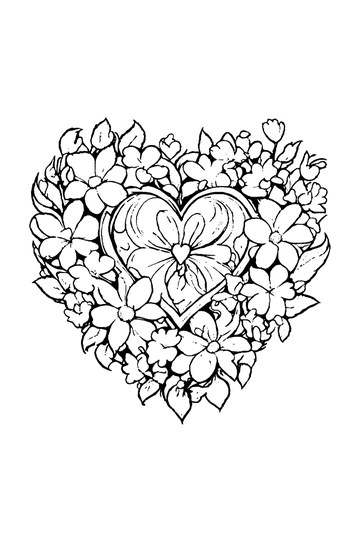
Adult Coloring Page: Heart with Flowers
Abstract Drawing of Upside-Down Sphere with Grid Lines
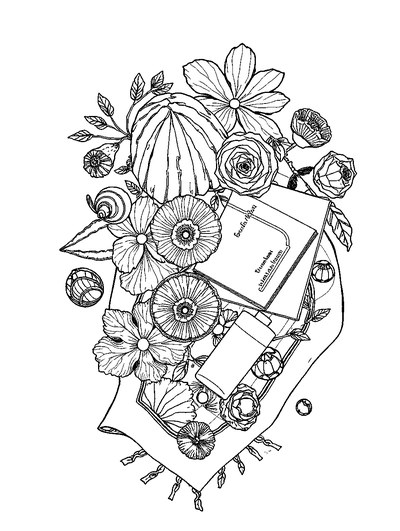
Aesthetic Beach Towel Flat Lay with Shells, Book, and Sun Lotion

Ad-Darr — The Distresser
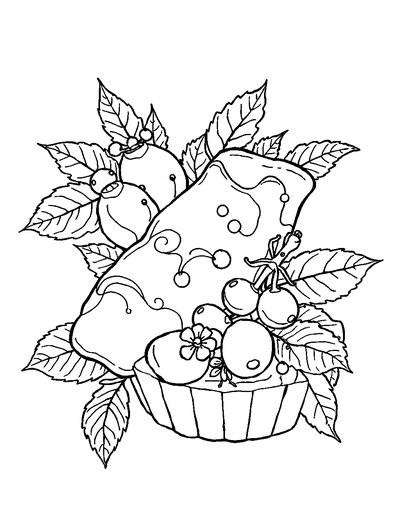
Aesthetic Glazed Fruit Tartlets Topped with Glossy Berries
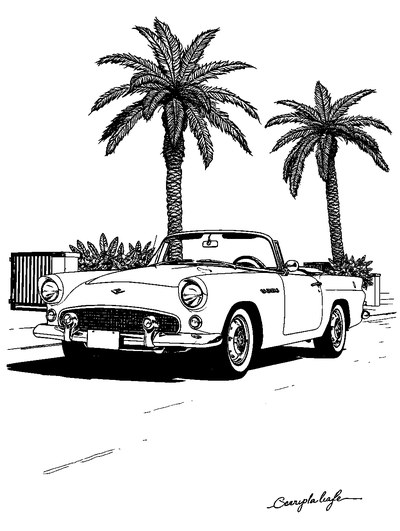
1950s Vintage Convertible Roadster Parked Beside Palm Promenade
Frequently asked questions
What should I look for in coloring apps for Android?
Look for freehand tools rather than color-by-number cells, a clear free tier, offline use once pages are on your device, and a library that suits your household. ColorDood is one option to compare: it offers 250+ free pages, core tools, and no login. Check premium pricing in your region before you decide.
Are coloring apps free to use, or do they need a subscription?
Many coloring apps offer a free tier plus an optional paid upgrade, and ColorDood follows that model. ColorDood Free includes 250+ pages, core tools, and one AI generation a day. Premium costs $4.99 a month or $49.99 a year, with final prices varying by region, and adds more pages, palettes, and exports.
Can coloring apps work offline without WiFi?
Some can, once the pages you want are saved on your device. In ColorDood, core tools and your on-device gallery stay usable with no WiFi, and there is no login to sign in to. The full offline library download is a Premium feature, so download the pages you want while connected before you travel.
Ready to play a free coloring game?
Download ColorDood — free AI adult coloring book and coloring game with 250+ free pages (4,500+ with Premium), 50+ color palettes, PDF & HD exports (Premium), and no login required.
