
App guides
Coloring Book App: Digital Pages on iPhone, iPad & Android
A paper coloring book is easy to replace with digital pages. This guide shows how a coloring book app works and how to start coloring on your phone or tablet.
Updated November 17, 2026 · 8 min read · 1,115 words
A coloring book app puts the pages of a traditional coloring book onto your phone or tablet, so you can fill the outlines with a finger or stylus instead of a pencil. If you are looking for a coloring book that travels with you, ColorDood is a free option on iPhone, iPad, and Android. It gives you 250+ pages to start, 11 coloring tools, and a gallery that saves your work on the device. There is no login and no ads. You can color while offline once your pages are available, and export a finished page as an image or PDF when you want a printed copy. This guide explains how digital pages work and how to begin.
What is a coloring book app with digital pages?
A coloring book app with digital pages is a traditional coloring book moved onto a screen. You still get pre-drawn outlines to fill in, but the paper is replaced by a page on your device. ColorDood uses freehand coloring, which means you choose your own colors and paint inside the outlines with tools such as Fill, Brush, Pencil, and Watercolor. It is not color-by-number, so there are no numbered cells to follow. You do not need any drawing skill: the lines are already there, and you simply decide which colors to put in each space. If you prefer a calm page over a blank screen, this kind of app gives you a clear place to start.
The main difference from paper is what you can do with a finished page. In a paper coloring book, the page is done when you close the book. With ColorDood, the page is saved to your on-device gallery, and you can return to it later, change a color, or export it as a file. You also get more than one book's worth of pages inside a single app. The free tier includes 250+ pages, and Premium opens 4,500+ across patterns and mandalas, flowers, food, homes, vehicles, everyday objects, and 99 Names of Allah. If you want to compare phone options before you choose, the guide at /blog/coloring-apps-for-android-phone covers Android choices in more detail.
How to start with digital coloring pages
Starting is simple. Install ColorDood from the App Store for iPhone or iPad, or from Google Play for Android, then open the Library to browse by category or swipe through the Discover feed. Pick a page with a few large areas if it is your first time. There is no account to set up. Here is a short checklist to follow for your first page.
- Open the Library at /coloring-pages or swipe through the Discover feed until a page catches your eye.
- Tap the page to open the canvas, then choose a palette and a tool. Fill covers a whole enclosed area in one tap.
- Color the outlines with your finger or a stylus, and pinch to zoom when you reach small details.
- Leave the canvas when you are done. ColorDood saves your work to the on-device gallery automatically, so you can return later.
- Export the finished page as an image or a PDF for printing, or keep it in the gallery to work on again.
- If you want sheets to print without coloring on a screen first, the free PDFs at /free-pdfs are ready to go.
- Color one page and save it to grow your daily streak; opening the app alone does not count.
Printing, saving, and choosing the right tool
One reason people move from a paper coloring book to digital pages is that the finished work is easy to keep and share. In ColorDood, leaving the canvas saves your page to the gallery on your device, and you can export an image or a PDF whenever you want a printed sheet. Image and PDF exports carry a small Made with ColorDood watermark, while gallery copies do not. The app also records a timelapse of your coloring if you want to watch it back. If you would rather print first and color later, the free PDFs at /free-pdfs give you pages you can print at home without setting up an account.
It also helps to understand how a coloring app differs from a drawing app. A coloring app hands you outlines to fill, while a drawing app opens onto a blank canvas and expects you to draw the lines yourself. ColorDood sits firmly on the coloring side: you work inside pre-drawn shapes, so no drawing skill is needed. The guide at /blog/drawing-app-vs-coloring-app-which-to-choose explains that choice, and /blog/digital-coloring-guide-for-beginners walks through a first digital page step by step. To see the tools and plans, visit /features and /pricing. Coloring is a leisure activity, not medical care, and it does not replace professional support.
Free line art
Pages you can print from this guide
Every thumbnail is a real page from the ColorDood library. Open one to download the PNG or print a PDF — no signup.
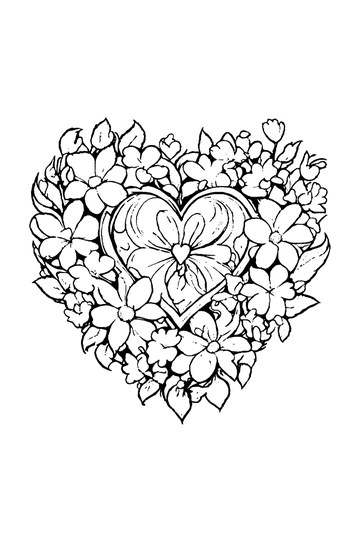
Adult Coloring Page: Heart with Flowers
Abstract Drawing of Upside-Down Sphere with Grid Lines
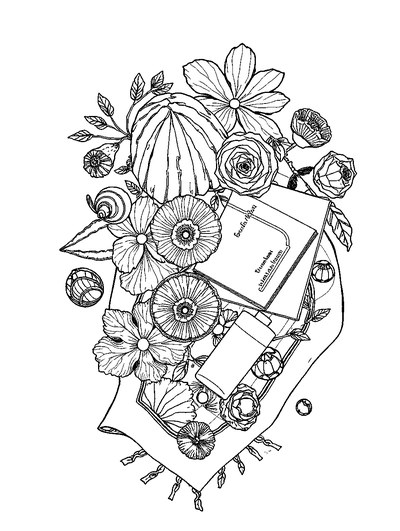
Aesthetic Beach Towel Flat Lay with Shells, Book, and Sun Lotion

Ad-Darr — The Distresser
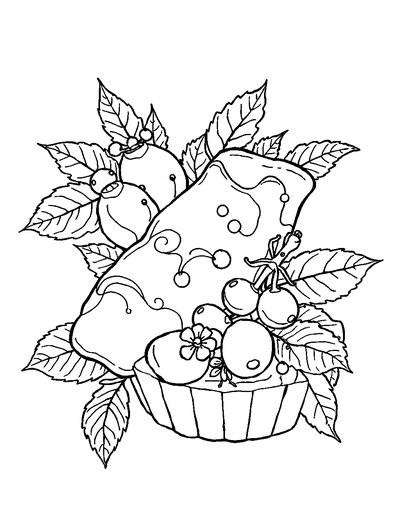
Aesthetic Glazed Fruit Tartlets Topped with Glossy Berries
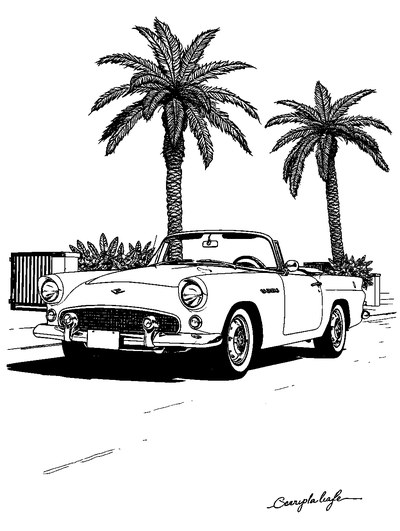
1950s Vintage Convertible Roadster Parked Beside Palm Promenade
Frequently asked questions
Is a coloring book app the same as a paper coloring book?
Not exactly. A paper coloring book gives you printed pages and a fixed set of designs, while a coloring book app gives you digital pages you can color on a screen and save or print later. ColorDood works like a coloring book in your pocket: pick a page, choose colors, and fill the outlines with your finger or a tool. You do not need to buy new books or sharpen pencils.
Can I print digital coloring book pages from an app?
Yes. In ColorDood, you can color a page on your device and then export it as an image or a PDF for printing. That gives you a physical sheet when you want one, without needing a separate coloring book. Image and PDF exports carry a small Made with ColorDood watermark, while copies saved to the on-device gallery do not. You can also grab instant printables from the free PDFs at /free-pdfs.
Do I need an account or internet to use a digital coloring book app?
No account is needed for ColorDood. Your pages and gallery stay on your device, so there is no login to set up. Coloring works with no WiFi once the pages you want are on your device, and core tools and your gallery stay on-device. ColorDood also has no ads. If you want the whole library available offline, that is a Premium feature. The free tier already includes 250+ pages.
Ready to play a free coloring game?
Download ColorDood — free AI adult coloring book and coloring game with 250+ free pages (4,500+ with Premium), 50+ color palettes, PDF & HD exports (Premium), and no login required.
