Product guide
Gradient and Rainbow Paint in ColorDood: Solid, Gradient, Rainbow
ColorDood offers Solid, Gradient, and Rainbow paint. Gradients come from named presets in each palette, and Rainbow shifts hue as you stroke. Test each one on a scrap page first.
Updated November 19, 2026 · 7 min read
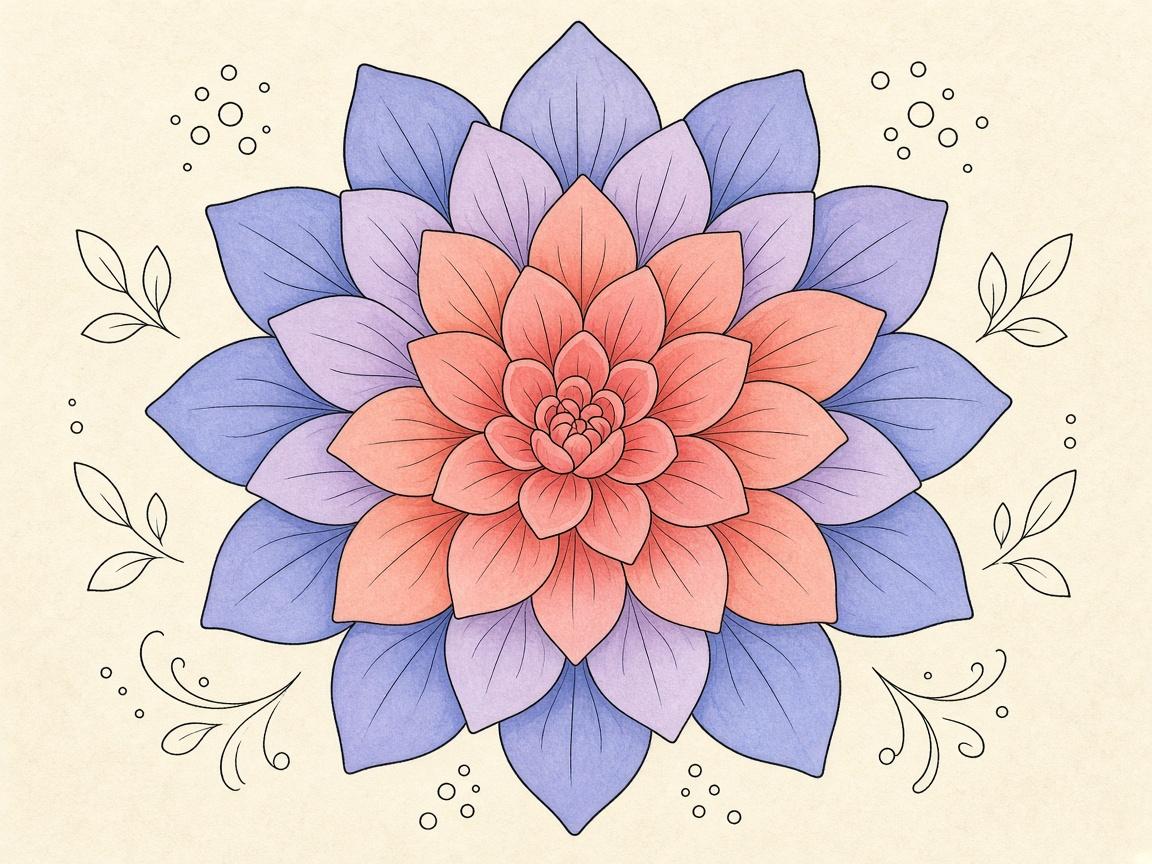
ColorDood has three paint types: **Solid**, **Gradient**, and **Rainbow**. Solid is the simple choice. Gradient blends colors with a preset from your palette. Rainbow changes hue as you stroke. Each one suits a different part of a page.
This guide explains what each paint type does, where the gradients come from, and how to test them on a scrap page before you commit to a finished piece. The results depend on your palette and your brush, so a short test saves a lot of undo.
What are the three paint types?
- Solid: one flat color, the default way most people paint
- Gradient: a blend between colors, chosen from named linear presets
- Rainbow: a stroke that shifts hue as it travels
Switch between them with the paint type options on the canvas. The control may look slightly different on your build, so check the labels on your phone before a long session.
Where do gradients come from?
Gradients belong to your palette. ColorDood has 10 palette styles: Vibrant, Pastel, Earthy, Neon, Jewel, Ocean, Candy, Sunset, Forest, and Space. Each palette has about 40 solid swatches, lights and darks rows, a rainbow swatch, and 8 named gradients. That is 8 gradient presets per palette, all linear.
Pick a palette from the Palette button in the tool dock, or from Settings > Change palette. If you cannot find the gradient you want, check whether a different palette has a better set of named presets. Pastel gradients feel very different from Neon ones, even when the blend is similar in structure.
When does Solid work best?
Solid is the best choice for clean shapes, outlines, and any area where you want a predictable, even color. Use it for flower centers, tile patterns, and the first pass on a page. Solid is also easier to match later, which helps when you return to a page after a break.
When does a gradient help?
A gradient adds depth without much work. Use it on petals, fruit, or the body of a vehicle where you want light to move across the shape. Gradients work well on larger areas, where a single color can look flat. On a tiny space, a gradient can look muddy, so keep those for Solid.
What does Rainbow do?
Rainbow is a stroke that shifts hue as you move. It is not a blend between two chosen colors. It works best on lines, borders, and loose areas where a changing color looks intentional. Rainbow can overwhelm a small shape, so many people use it on the outer rings of a page or on a background.
How do I test paint types before a finished page?
- Open a Library page you do not mind experimenting on
- Pick a palette and try one stroke in each paint type
- Look at the result at 1x and at a higher zoom
- Note which paint type you want for each area
- Undo the test strokes and start the real page
Keep the test short. The goal is to see how each paint type behaves with your brush size, not to finish a whole picture. Use Brush on the test page so the strokes match what you will do later.
How does undo protect my work?
ColorDood keeps up to 12 undo steps, with undo and redo buttons in the canvas header. That history is a safety net when a gradient or Rainbow stroke goes somewhere you did not expect. Undo is quick, so you can try a stroke and back out without losing the rest of the page.
Undo does not reach beyond 12 steps. For a bigger reset, use a saved copy. The Gallery guide explains how copies and reopening work.
Pick a paint type by area
A simple way to decide is to look at the size and shape of the area. Small, detailed shapes usually need Solid so the edges stay clean. Larger areas with a clear light direction can take a Gradient. Long, loose lines or outer rings can take Rainbow. You do not have to use all three on one page. Two paint types, used with care, often look more finished than three used everywhere.
- Outline and small details: Solid, with a brush you can control at zoom
- Large body areas: Gradient, one area at a time
- Borders and loose strokes: Rainbow, kept to the edges
- Check the whole page at Fit screen before you call it done
If you switch palettes partway through a page, check the colors against each other. Gradients from one palette can clash with solids from another. Undo is available if the mix feels wrong.
Keep a short note of the palette and paint type you used on each page you like. ColorDood does not need you to do this, but it can save time when you want a similar look later. A simple note such as the palette name, the paint type, and the brush size is enough. Over a few pages, you will see which combinations feel most like you. Keep the note short, so it stays useful and does not turn into a chore. A few minutes of testing at the start usually saves more time than it costs.
Common questions when a blend looks wrong
A gradient can look muddy when the two colors in the preset sit far apart on the color wheel, or when the area is very small. If that happens, try a different preset in the same palette, or switch that one area to Solid. You do not need to force a gradient onto every shape.
Rainbow can look busy when it crosses a page with many small shapes. Try it on a larger border, or lower the brush size so the hue change is easier to read. If the colors feel too loud, undo the last stroke and try a softer palette such as Pastel or Earthy for that page.
What this guide does not cover
This guide is about paint types inside the app. It does not cover how colors look on a printed sheet, screen color calibration, or how your device handles brightness. A color that looks right on the phone may print differently. Test printing on a scrap sheet before a large run.
Try one palette this week. Paint a Solid area, one Gradient area, and one Rainbow line on the same page. Then compare them side by side at Fit screen and decide which paint type fits each part of the picture.
Frequently asked questions
What paint types does ColorDood have?
Three: Solid, Gradient, and Rainbow. Solid is a single color. Gradient blends between colors using a linear preset. Rainbow shifts hue as you stroke.
Where do the gradients come from?
Each of the 10 palette styles includes 8 named gradients. Changing the palette changes which gradients you can choose.
Is Rainbow the same as a gradient?
No. A gradient is a set blend from one preset. Rainbow is a stroke that changes hue as it moves, so the color keeps shifting along the line.
Can I undo a gradient mistake?
Yes, within the 12-step undo history. Undo is the simplest way to back out of a stroke you do not like.
Ready to play a free coloring game?
Download ColorDood — free AI adult coloring book and coloring game with 1000+ pages, 11 tools, calming sounds, and no login required.