
Product guide
Color Tap Game vs Brush Coloring: A Clear Comparison
Which suits you: tap-to-fill or a freehand brush? This comparison explains both, and how one app lets you switch between them.
Updated November 17, 2026 · 8 min read · 1,160 words
A color tap game and brush coloring are two ways to put color on the same page. In a color tap game, you tap an enclosed area and it fills in one step. Brush coloring means painting freehand strokes, where you control the edges, pressure, and texture yourself. ColorDood supports both styles in one app: the Fill tool covers quick tap-to-fill work, and tools like Brush, Pencil, and Watercolor handle hand-painted detail. You do not need drawing skill for either, because every page starts with pre-drawn outlines. This guide compares the two so you can pick the style that suits your time and mood, on iPhone, iPad, or Android. Both styles work offline once pages are available on your device, and neither needs a login.
What is a color tap game?
A color tap game is a coloring game where you choose a color and tap a closed area to fill it instantly. There is no need to trace edges or stay inside lines by hand, because the page already has outlines. In ColorDood, this is what the Fill tool does: tap inside a region and the whole region takes your chosen color. It is a quick way to cover large areas and see a page take shape in seconds. If you have used color-by-number apps, the motion feels familiar, but ColorDood has no numbered cells — you pick every color yourself from a palette. That small difference keeps the tap simple while leaving the art choices to you.
That makes the color tap game style useful when you have a short break or want a simple decision. Pick a palette, tap through the main sections, and you have a finished-looking base in a few minutes. The guide at /blog/color-tap-fill-coloring-game goes deeper on this method, and /coloring-pages shows the range of pre-drawn pages you can start from. ColorDood keeps the outlines ready, so the only choice is which color goes where. A page with a few large sections suits this approach better than one with hundreds of tiny spaces. You can always return to a denser page when you have more time. Leaving the canvas saves your work, so a short tap session is easy to continue later.
How brush coloring differs
Brush coloring is the freehand half of the comparison. Instead of filling a whole region at once, you paint strokes and decide where each one starts and stops. ColorDood includes Brush, Pencil, Marker, and Watercolor, so you can add shading, texture, and soft edges that a single tap cannot give. You still work on pre-drawn outlines, so you never have to draw the picture yourself. A brush also lets you layer a second color over a filled area for a softer, painted look. With pinch to zoom and undo, small details stay manageable on a phone screen. If you want a full starting point, /blog/tap-color-game-guide-for-beginners walks through the first steps in plain language.
- Open a page you like from the library and choose one of the ready-made palettes before you start
- Use Fill to give the largest areas a base color with one tap each, so the page has structure
- Switch to Brush and paint a soft edge along one section, keeping your strokes slow
- Try Pencil or Marker for a few small details in a contrasting shade from the same palette
- Apply Watercolor to one area, then use Smudge to blend the edge without losing the outline
- Zoom out to check the whole page, then leave the canvas so ColorDood saves it to your gallery
Which style should you choose?
Choose the style that matches the time you have and the result you want. A color tap game suits short sessions, pages with large simple areas, and days when you want a clear decision made for you. Brush coloring suits longer sits where you want shading, texture, and a hand-painted look. Many people use both on the same page: tap in the base colors first, then slow down with a brush for detail. ColorDood lets you switch tools at any point without losing your place, and the full tool list is on /features. Neither style asks for drawing skill, since the outlines are already there. If you share a device with family, the tap style is quick to hand over, while brush work is easier to keep for your own session.
Price is another practical difference to weigh. ColorDood is free to download on iPhone, iPad, and Android. Free gives you 250+ pages and core tools, with 1 AI generation a day; /pricing lists Premium at $4.99/month or $49.99/year (final price varies by region), which adds 4,500+ pages, 50+ palettes, all tools, 5 AI generations a day, PDF and HD exports, and a full offline library. If you would rather start on paper, /free-pdfs has printable sheets you can color with the same choices. That way you can test the tap method away from a screen before deciding which tools to use. The comparison at /blog/color-fill-game-tap-to-paint covers tap-to-paint in more detail.
Free line art
Pages you can print from this guide
Every thumbnail is a real page from the ColorDood library. Open one to download the PNG or print a PDF — no signup.
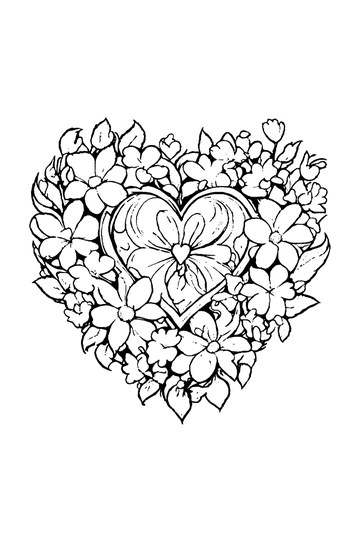
Adult Coloring Page: Heart with Flowers
Abstract Drawing of Upside-Down Sphere with Grid Lines
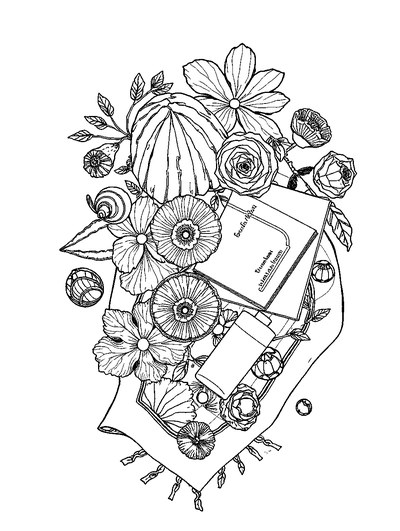
Aesthetic Beach Towel Flat Lay with Shells, Book, and Sun Lotion

Ad-Darr — The Distresser
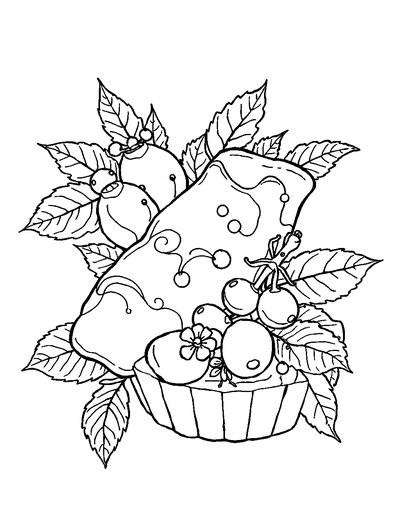
Aesthetic Glazed Fruit Tartlets Topped with Glossy Berries
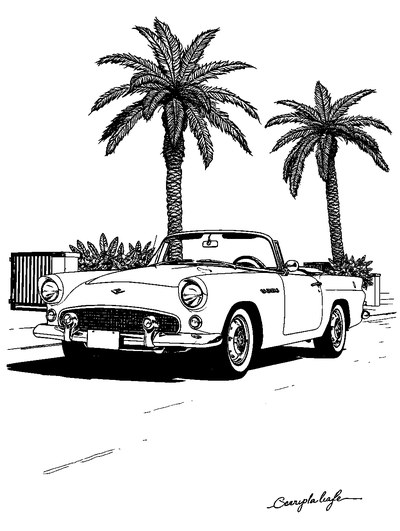
1950s Vintage Convertible Roadster Parked Beside Palm Promenade
Frequently asked questions
Is a color tap game the same as brush coloring?
No. In a color tap game, you tap an enclosed area and it fills with a chosen color; brush coloring means painting freehand strokes and controlling the edges and texture yourself. ColorDood supports both: its Fill tool handles quick tap-to-fill, while Brush, Pencil, and Watercolor give you hand-painted control. Neither needs drawing skill, because the outlines are already drawn for you.
Which is easier for beginners: a color tap game or a brush?
For most beginners, the color tap game style is easier because one tap fills a whole area and there are no edges to keep steady. Brush coloring takes more practice, but it gives more control over shading and detail. In ColorDood, you can start with the Fill tool and switch to a brush when you feel ready, so you never have to choose one style for good.
Can one app do both color tap game style and brush coloring?
Yes. Open a pre-drawn page in ColorDood, then choose Fill for tap-to-fill or a brush tool for freehand strokes. The same page can use both: lay down base colors with taps, then add detail by hand. There are no numbered cells, so this is freehand coloring rather than a color-by-number game. Your work saves to the gallery when you leave the canvas.
Ready to play a free coloring game?
Download ColorDood — free AI adult coloring book and coloring game with 250+ free pages (4,500+ with Premium), 50+ color palettes, PDF & HD exports (Premium), and no login required.
