
Guides
Ambient Sounds and Nasheeds for Coloring Sessions
ColorDood includes optional Soft Nasheed and calm tracks you can turn on from Settings. This guide shows how to pair sound with a coloring session without letting audio take over.
Updated November 20, 2026 · 8 min read · 1,164 words
**Optional ambient sounds and nasheeds can make a coloring session feel calmer.** ColorDood includes Soft Nasheed and related tracks you can turn on from Settings — coloring stays the main activity. Sound is a soft companion, not a streaming app inside a coloring UI.
ColorDood is a halal coloring game with brushes and pages first. This guide is the power-user companion to the basic nasheed guide. It focuses on pairing, volume, offline checks, and the small habits that keep audio from taking over the session.
How to enable sounds in ColorDood
- Open ColorDood
- Turn sound on from the header control
- Open Settings and choose a track
- Start a page in Discover, Library, Daily Calm, or 99 Names
- Turn sound off anytime — your gallery and tools do not depend on audio
Which tracks are included
- **Soft Nasheed** — free peaceful vocal chant
- **Floating Hum**
- **Arabic Nasheed**
- **Gentle Calm**
- **Baby Lullaby**
Unlock details can differ by free vs Premium. Check Settings on your build for what is available right now. Soft Nasheed is the free anchor track, so it is a good default for families.
A pairing table for sound and session
| Session type | Track | Volume | Why |
|---|---|---|---|
| Kids, 10 minutes | Soft Nasheed | Low | Gentle and short |
| Adult detail work | Floating Hum | Very low | No words to follow |
| 99 Names page | Arabic Nasheed | Low | Thematic fit |
| Bedtime coloring | Baby Lullaby | Lowest | Winding down |
| No-sound family | None | Muted | Silence is valid |
Volume and kids tips
- Keep volume below conversation level so parents can still coach tools
- Prefer Soft Nasheed for short kids sessions
- Use Baby Lullaby only if it truly calms — skip if it winds kids up
- One track per session; avoid constant switching
- Turn sound off for shared spaces or headphones for privacy
Do nasheeds work when you color offline?
Coloring pages and tools work offline. For audio, run a quick check: play Soft Nasheed once on Wi-Fi, then try airplane mode. If a track does not play offline on your device, color in silence — the session is still valid. Core coloring never depends on audio.
How nasheeds pair with 99 Names and Daily Calm
Many adults color a Names page or Daily Calm picture with Soft Nasheed at low volume for ten minutes. Kids may prefer silence plus Fill. Either way, save the page if you are building a streak. The sound should support the page, not become the activity.
Power-user habits for sound
- Test the track in airplane mode before a travel session
- Keep one default track per person in the household
- Mute during detailed zoom work if audio distracts
- Use headphones in shared spaces
- Skip sound entirely on recovery days
Ambient sound vs nasheed: choosing the right mood
Ambient sound and nasheed do different work. Ambient sound, like Floating Hum or Gentle Calm, has no words and sits under your thoughts. A nasheed, like Soft Nasheed or Arabic Nasheed, has a vocal line that some people find grounding and others find distracting. The right choice depends on the person and the task, not on a rule.
- **Detail work with many small shapes:** prefer wordless tracks like Floating Hum
- **Simple fills and large areas:** Soft Nasheed can carry the session
- **99 Names pages:** Arabic Nasheed fits the theme for many families
- **Bedtime or wind-down:** Baby Lullaby at the lowest volume
- **When in doubt:** try ten minutes of each on the same page and notice which one you forget is playing
Session lengths that work with sound
Sound is most useful in short, bounded sessions. Ten to twenty minutes is the sweet spot for most adults. Past that, the track can become background noise and lose its calming effect. If you want a longer session, break it into two parts with a short pause in between, or switch tracks only at the break, not mid-stroke.
| Session length | Track approach | Goal |
|---|---|---|
| 5–10 minutes | One track, low volume | Daily streak, low pressure |
| 15–20 minutes | One track, steady volume | Detail work or a full page |
| 30+ minutes | Two tracks with a pause | Long project, avoid fatigue |
| Any length | Silence | When sound stops helping |
Troubleshooting sound
- **Track will not play:** confirm sound is on in the header, then reopen Settings and reselect the track
- **Track stops mid-session:** check device volume and any battery saver that pauses audio
- **Track will not play offline:** play it once on Wi-Fi, then test airplane mode before relying on it
- **Sound feels distracting:** mute and color in silence; the session still counts
- **Child gets excited by the track:** switch to a wordless track or mute
Family considerations
Households differ. Some families color with Soft Nasheed every evening. Others prefer silence, or use sound only for adult sessions. If you share a phone, agree on a default track and a default volume, and write it down somewhere visible. Consistency matters more than the specific track.
Comfort with vocal tracks also varies. If anyone in the household is unsure about nasheeds, leave sound off. The library, the tools, the streak, and the gallery all work without audio. Sound is an option, not a requirement, and the app is designed to be fully usable in silence.
What this is not
- Not a full nasheed streaming library
- Not a ruling that instrumental or vocal audio is required or forbidden
- Not medical sound therapy
- Not a replacement for silence, which remains a valid choice
Cross-cluster bridges
Sound pairs with the rest of the cluster. For the basic nasheed guide, read Islamic nasheeds while coloring. For relaxing routines, read zen coloring and relaxing routines. For daily rhythm, read daily coloring streak without burnout, also in this cluster. For stress relief, read coloring for stress relief and mindfulness.
E-E-A-T note
This guide reflects hands-on use of ColorDood's sound options across multiple sessions in 2026. Track availability can differ by free vs Premium and by build, so check Settings on your device. Sound is optional, and coloring remains the primary activity.
What this guide does not cover
This guide does not promise that any track will play offline on every device. It does not cover headphone or speaker setup, and it does not cover every OS audio setting. If a track does not play, color in silence — the session is still valid.
If you wanted ambient sounds and nasheeds for coloring sessions without leaving your coloring app, turn on Soft Nasheed in ColorDood and keep the focus on the page.
Free line art
Pages you can print from this guide
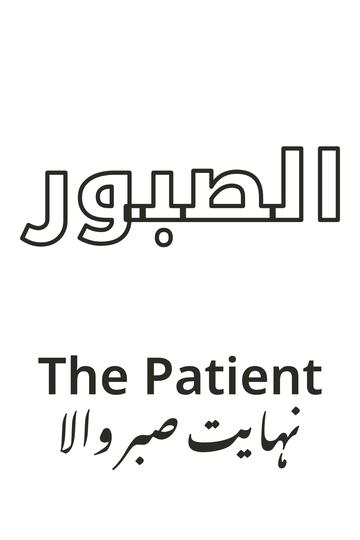
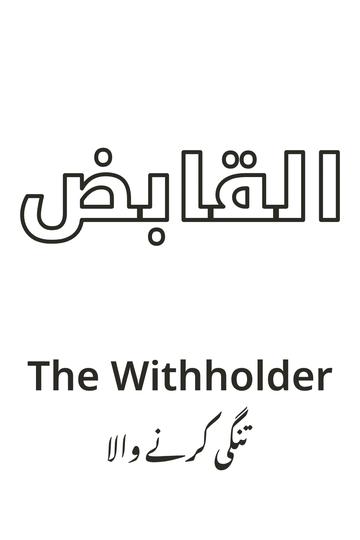
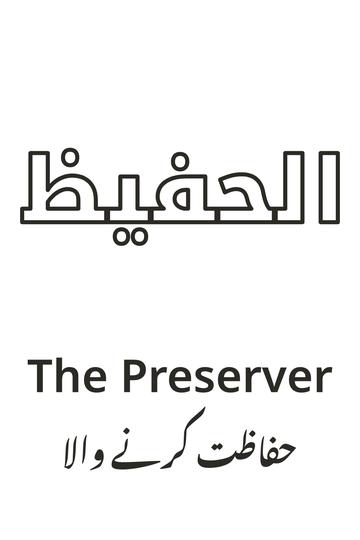
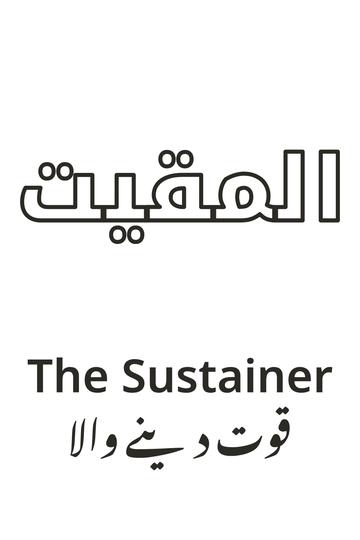
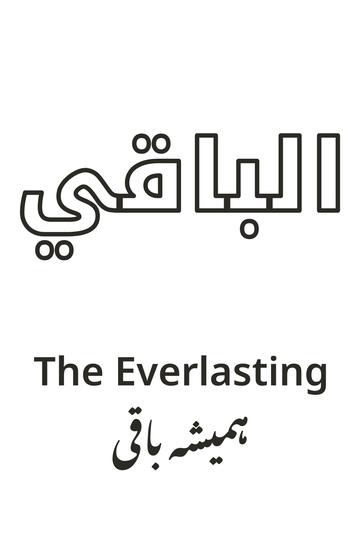
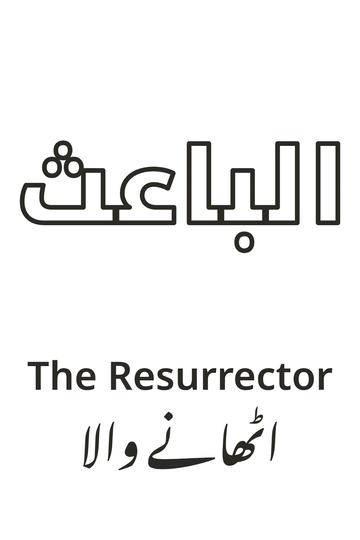
Every thumbnail is a real page from the ColorDood library. Open one to download the PNG or print a PDF — no signup.
Frequently asked questions
Which nasheed tracks are in ColorDood?
Soft Nasheed is free. Floating Hum and Arabic Nasheed are included, along with Gentle Calm and Baby Lullaby. Turn sound on from the header and pick a track in Settings.
Do I have to play nasheeds to color?
No. Sound is optional. Many families color in silence or with device volume off.
Will every Muslim household be comfortable with nasheeds?
No. Comfort with vocal tracks varies. If your family prefers silence, leave sound off — the library still works.
Do nasheeds work offline?
Core coloring works offline. For sound, confirm the track plays in airplane mode on your device after you have used it once on Wi-Fi.
What volume works best?
Keep volume below conversation level so parents can still coach tools. One track per session, and avoid constant switching.
Ready to play a free coloring game?
Download ColorDood — free AI adult coloring book and coloring game with 250+ free pages (4,500+ with Premium), 50+ color palettes, PDF & HD exports (Premium), and no login required.
