
Mindfulness
Relaxing Coloring Pages for Adults: A Calm Digital Guide
A short guide to finding relaxing coloring pages for adults, choosing a calm page, and setting up a simple session in ColorDood.
Updated November 17, 2026 · 8 min read · 1,026 words
Relaxing coloring pages for adults are pre-drawn outlines you fill in at your own pace, and the ColorDood app puts a large library of them on your phone or tablet. This guide explains what makes a page calming, how to choose one, and how to set up a short session. ColorDood is a free coloring book app for iPhone, iPad, and Android with 250+ pages in the free tier and 4,500+ with Premium. You color by hand with 11 tools rather than following numbered cells. Coloring here is a leisure activity, not medical care, and it does not treat or replace professional support.
What makes a coloring page relaxing?
A relaxing coloring page has clear outlines, a manageable number of areas, and a design you actually enjoy looking at. That is the short answer. Patterns, florals, mandalas, and everyday objects tend to work well because you can settle into a rhythm without facing too many choices at once.
In ColorDood you can browse by category at /coloring-pages, or swipe through the Discover feed to see one page at a time. Detailed mandalas suit a longer sitting, while a simple floral suits a short break. The Swipe deck is shuffled and skipped pages are not kept, so tap the ones you want to color. If you like the slow, repetitive side of the hobby, the guide at /blog/asmr-coloring-games-for-relaxation looks at that in more depth.
How to set up a calm coloring session
A calm session starts before the first stroke. Here is a short checklist you can follow in ColorDood, whether you have five minutes or thirty. None of these steps take more than a moment.
- Choose a page with fewer areas when you have less time, and save denser designs for a longer sitting.
- Pick one palette before you start, so you are not stopping to decide in the middle.
- Use Fill for the large regions first, then add detail with Brush, Pencil, or Watercolor.
- Set the phone on a flat surface and adjust the brightness to a comfortable level.
- Turn on a calm sound in Settings if you like background audio, and silence notifications.
- Leave the canvas when you finish so ColorDood saves your work to the gallery automatically.
Coloring at home, on a break, or offline
ColorDood works with no WiFi once pages are available on your device, so a session does not depend on a connection. Your gallery and core tools stay on-device, and there is no login to create. The full offline library is a Premium feature, so if you want every page ready without a connection, see /pricing before you travel. The free tier still gives you 250+ pages, which is plenty to begin. On a phone or tablet, that means a session can start on a commute, in a waiting room, or at home.
If you would rather color on paper, you can export a PDF from ColorDood for printing, or pick up a free printable at /free-pdfs. For more on the satisfying, repeated motions behind the hobby, read /blog/satisfying-games-that-help-you-relax. If you want the app on Android, /blog/asmr-games-free-download-for-android walks through getting it. You can also see what is included at /features.
A few simple habits
You do not need a special setup to enjoy relaxing coloring. Keep a page open in your gallery so the next session starts with a choice already made. Some people color at the same time each day, while others wait for a quiet evening. ColorDood saves your progress when you leave the canvas, so you can return to the same page later without losing your work.
A daily streak is available if you want a gentle nudge: color and save one page to move it forward. Opening the app alone does not count, and the streak is local to your phone. You do not need it to enjoy a page. If you miss a day, the coloring is still there waiting for you, and ColorDood keeps your saved work on the device. You can also export a PDF of a finished page if you want a physical copy.
What this guide does not promise
This guide makes no health claims. Coloring here is a leisure activity, not a treatment, and it does not diagnose, cure, or replace professional support. If you are dealing with stress, anxiety, or any health concern, speak with a qualified professional. Coloring is simply a calm way to spend a few minutes with your hands occupied and your mind on a page. There is no score to beat and no timer to race.
Free line art
Pages you can print from this guide
Every thumbnail is a real page from the ColorDood library. Open one to download the PNG or print a PDF — no signup.
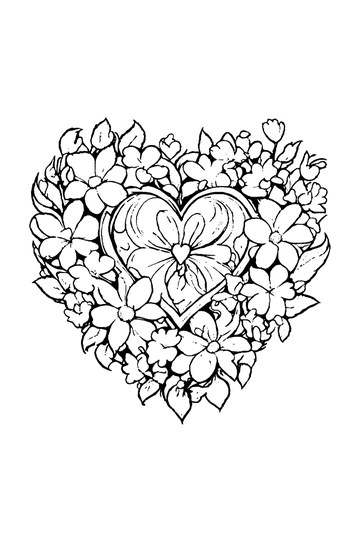
Adult Coloring Page: Heart with Flowers
Abstract Drawing of Upside-Down Sphere with Grid Lines
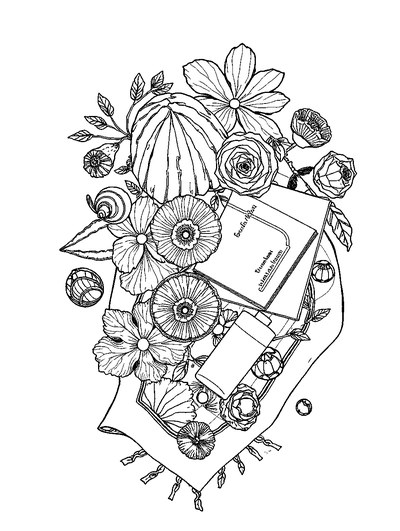
Aesthetic Beach Towel Flat Lay with Shells, Book, and Sun Lotion

Ad-Darr — The Distresser
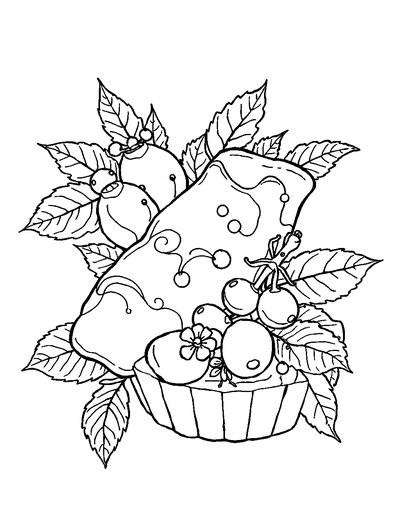
Aesthetic Glazed Fruit Tartlets Topped with Glossy Berries

1950s Vintage Convertible Roadster Parked Beside Palm Promenade
Frequently asked questions
What are relaxing coloring pages for adults?
Relaxing coloring pages for adults are pre-drawn outlines you fill in with your own colors, with no drawing skill required. In ColorDood you get 250+ free pages, and Premium unlocks 4,500+ more. Pick a page, choose a palette, and color at your own pace. ColorDood is a leisure activity, not medical care.
Can relaxing coloring help with stress?
Coloring can be a calm way to spend quiet time, but ColorDood does not diagnose, treat, or replace professional support. It is a leisure activity, not medical care. If relaxing coloring helps you unwind, treat it as a simple hobby on iPhone, iPad, or Android, and speak with a qualified professional for any health concern.
Where can I find free relaxing coloring pages for adults?
You can find free relaxing coloring pages for adults in the ColorDood app on iPhone, iPad, and Android. The free tier includes 250+ pages and core tools, with no login required. Pages stay on your device, and ColorDood works offline once pages are available. For printable sheets, the free PDFs at /free-pdfs are another option.
Ready to play a free coloring game?
Download ColorDood — free AI adult coloring book and coloring game with 250+ free pages (4,500+ with Premium), 50+ color palettes, PDF & HD exports (Premium), and no login required.
