
App guides
ASMR Games Free Download for Android: A Calm Coloring Guide
This guide shows how to get asmr games free on Android, install ColorDood, pick a calm page, and color offline with no login.
Updated November 17, 2026 · 8 min read · 1,094 words
If you are searching for asmr games free to download on Android, ColorDood is a calm coloring app you can install in a minute and use right away. Here 'ASMR' means the quiet, satisfying feel of slow, steady coloring — gentle strokes, soft palettes, and no timers or scores pushing you along. ColorDood is a free coloring book app for adults, kids, and families on Google Play and the App Store. The free version gives you 250+ pages, core tools, and one AI generation a day, with no login and no ads. This guide walks through how to get it on an Android phone, pick a soothing page, and color offline, plus what changes if you decide to upgrade later.
What makes a coloring app feel calm and satisfying?
A coloring app feels calm and satisfying when it keeps the experience slow, quiet, and free of pressure: soft outlines, smooth tools, no ticking clock, and no score to chase. In ColorDood that means freehand coloring on pre-drawn pages, so you never have to draw from scratch or follow numbered cells. You tap or brush color into a page at your own pace, and the app stays out of the way. There are no ads cutting into a session and no timer pushing you to finish. The feel is steady and gentle rather than competitive, which is why people group it with satisfying games and quiet hobbies.
People use the word ASMR loosely online, so treat it as a mood rather than a promise. ColorDood is a leisure activity for passing quiet time with art; it is not medical care and does not treat or replace professional support. If you want background on the wider topic, the guide at /blog/asmr-coloring-games-for-relaxation covers ASMR coloring and relaxation in more depth. For a download decision, the useful questions are simpler: is the app easy to install, calm to open, and pleasant to use for ten minutes? On Android, ColorDood meets those with a small install size, a library that opens without a login, and tools that respond smoothly to a light touch. Download size is small, so it will not crowd your phone.
How to download ColorDood on Android and start coloring
Getting started takes only a few steps. Open Google Play on your Android phone, search for ColorDood, and install it; you can also use the direct link at /download. The app has a small download size, so it is quick to fetch and easy to keep on your device. Before you install, you can preview the range of pages at /coloring-pages. Once the app is open, browse the free library or swipe through Discover to find a page that appeals. The steps below keep the first session simple and calm. Aim for a page you can finish in one sitting if you only have a few minutes.
- Install ColorDood from Google Play — the free version needs no payment, no sign-up, and no account details.
- Open the Library or Discover feed and choose a page with a few large areas; big shapes suit a calm first session.
- Pick a soft palette, then color slowly with Fill or the Brush. There is no correct order and no timer.
- In Settings, turn on gentle calm sounds if you want quiet audio while you work; no account is needed.
- When you stop, leave the canvas — your work saves automatically to the on-device gallery, where you can reopen it.
- Color with no WiFi once pages are on your device; downloading the full offline library is a Premium feature.
What you get free, and when Premium might help
ColorDood Free is plenty for a calm daily break: 250+ pages, core tools, and one AI generation a day. If you later want more, Premium is $4.99/month or $49.99/year (final price varies by region) and unlocks 4,500+ pages, 50+ palettes, all tools, PDF and HD/timelapse exports, five AI generations a day, and a full offline library download. The /features page lists what is in each tier and /pricing shows current regional pricing. Nothing about the free download pushes you to upgrade, and you can stay on the free tier indefinitely. Many people never need more than the free pages. Prices are final at checkout and may differ by region.
If satisfying, repetitive motion is what you are after, the guide at /blog/satisfying-games-that-help-you-relax looks at why small, steady strokes feel good. For adults who want more detailed sheets, /blog/relaxing-coloring-pages-for-adults focuses on picking pages and settling into longer sessions. You can also try paper first: /free-pdfs offers printable pages to color at a table, then continue the same kinds of designs in the app. Whichever route you take, ColorDood keeps the steps small — choose a page, pick a palette, and color at your own speed, saving to the gallery as you go.
Free line art
Pages you can print from this guide
Every thumbnail is a real page from the ColorDood library. Open one to download the PNG or print a PDF — no signup.
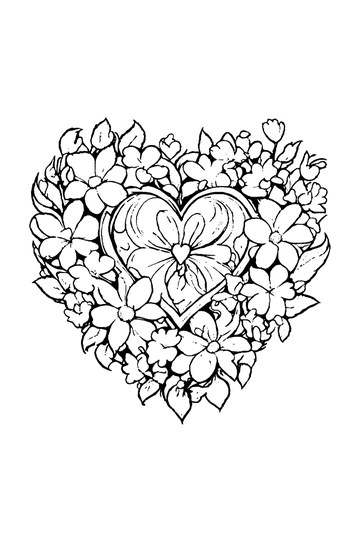
Adult Coloring Page: Heart with Flowers
Abstract Drawing of Upside-Down Sphere with Grid Lines
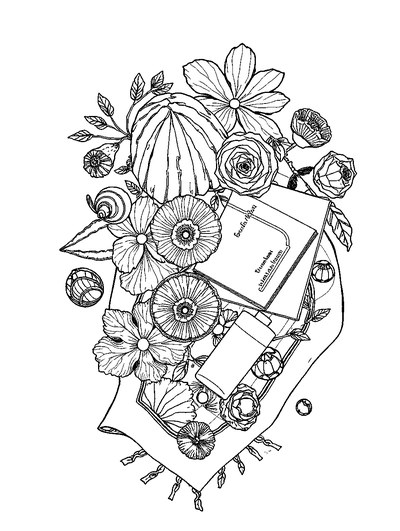
Aesthetic Beach Towel Flat Lay with Shells, Book, and Sun Lotion

Ad-Darr — The Distresser
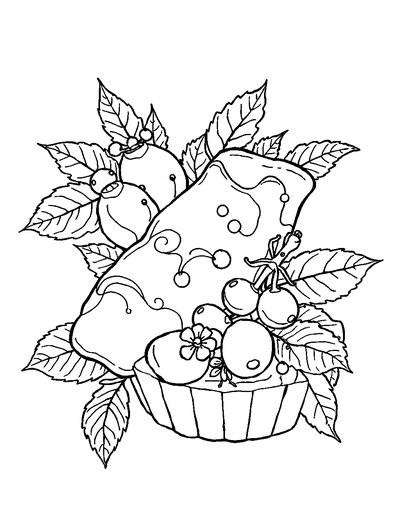
Aesthetic Glazed Fruit Tartlets Topped with Glossy Berries

1950s Vintage Convertible Roadster Parked Beside Palm Promenade
Frequently asked questions
Where can I download asmr games free for Android?
You can download ColorDood free on Google Play for Android, and it is also on the App Store for iPhone and iPad. The free version includes 250+ coloring pages, core tools, and one AI generation a day. No login is needed, and the download size is small. It also works offline once pages are on your device, so it travels well on a phone.
Do asmr games free downloads work offline?
ColorDood works with no WiFi once your pages are on the device. Core tools and your on-device gallery stay available offline, so a coloring session does not need a connection. The full offline library download is a Premium feature. There are no ads and no account, which keeps the experience calm. Start with the free pages, then decide later whether the paid tier is worth it for you.
Are asmr games free coloring apps safe for the whole family?
The library is family friendly and scholar guided: original art such as patterns, flowers, food, homes, vehicles, objects, and 99 Names of Allah, with no animals, birds, holiday surprise packs, or licensed characters. Both kids and adults color in ColorDood from the same library. Coloring here is a leisure activity, not medical care, and it does not treat or replace professional support.
Ready to play a free coloring game?
Download ColorDood — free AI adult coloring book and coloring game with 250+ free pages (4,500+ with Premium), 50+ color palettes, PDF & HD exports (Premium), and no login required.
