Product guides
How to Color Bold Outlines in ColorDood (Thick-Line Tips)
Bold outlines color cleanly when you Fill large shapes first, keep Inside mode on, and use a mid-size Brush only on edges. Here is the ColorDood workflow.
Updated November 11, 2026 · 7 min read
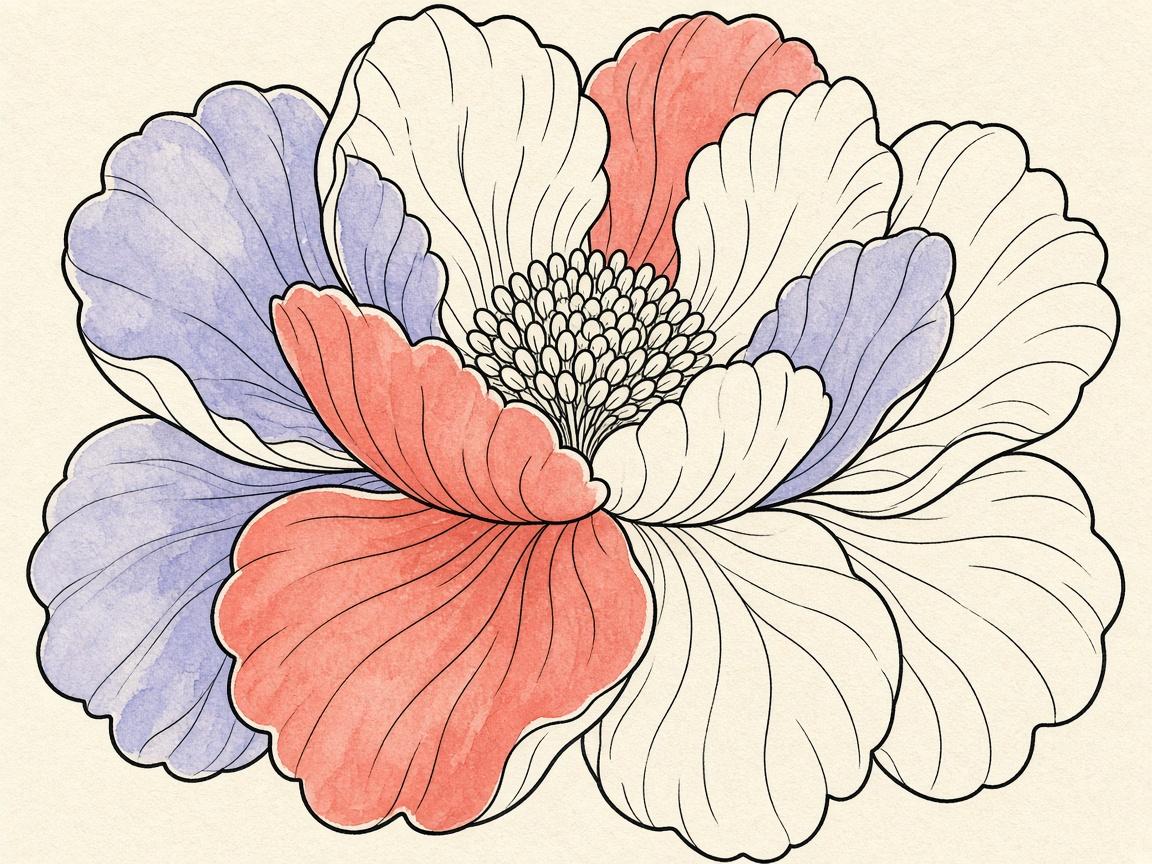
Bold outlines look easy until color bleeds past them. In ColorDood, thick-line pages stay clean when you treat the outline as a wall: Fill the inside, Brush the edges carefully, and leave the line itself alone.
Step 1: Fill the big enclosed shapes
Tap Fill, pick a color from the palette, and tap inside each large region. Fill covers the full enclosed area. On bold-easy pages this does most of the work in under a minute.
Step 2: Keep Inside boundary on
Inside clips your stroke to the shape where the touch begins. Free paints anywhere and is better for backgrounds. For thick-outline subjects — flowers, fruit, teapots — Inside is the safer default in the tool dock.
Step 3: Edge work with Brush
- Drop Brush size near thin stems and gaps
- Zoom with pinch (up to 6x) before fiddly edges
- Use Marker or Pencil for a sharper edge than Spray
- Eyedropper to reuse a Fill color on a nearby petal
Mistakes that muddy bold pages
- Painting over the outline until edges look fuzzy
- Using Free boundary on small shapes
- A Brush that is wider than the gap you are coloring
- Skipping save — leave the canvas so the gallery keeps your progress
Optional polish
A light Watercolor wash behind a finished object can soft-frame the page without fighting the outline. Neon and Glitter are optional second passes after the base colors are clean.
Frequently asked questions
Should I color over the black outline?
Usually no. Leave the printed (or digital) outline as the edge. Fill and Brush inside the shape so the line stays crisp.
What boundary setting works best on thick-line pages?
Inside. It clips strokes to the enclosed shape where your touch starts, which keeps color from spilling across bold outlines.
Fill or Brush first?
Fill first for large regions. Switch to Brush for stems, thin gaps, and places Fill cannot reach cleanly.
What if I go outside the line?
Undo, confirm Inside is on, shrink the Brush, and zoom in. Eraser and Eyedropper help clean small mistakes without redoing the whole page.
Ready to play a free coloring game?
Download ColorDood — free AI adult coloring book and coloring game with 1000+ pages, 11 tools, calming sounds, and no login required.