Adult coloring
How to Choose Adult Coloring Pages by Detail Level
The right adult coloring page depends on how much detail you want to handle on a given day. This guide offers a simple way to rate detail, match it to your time and mood, and use zoom and brush size in ColorDood.
Updated November 23, 2026 · 7 min read
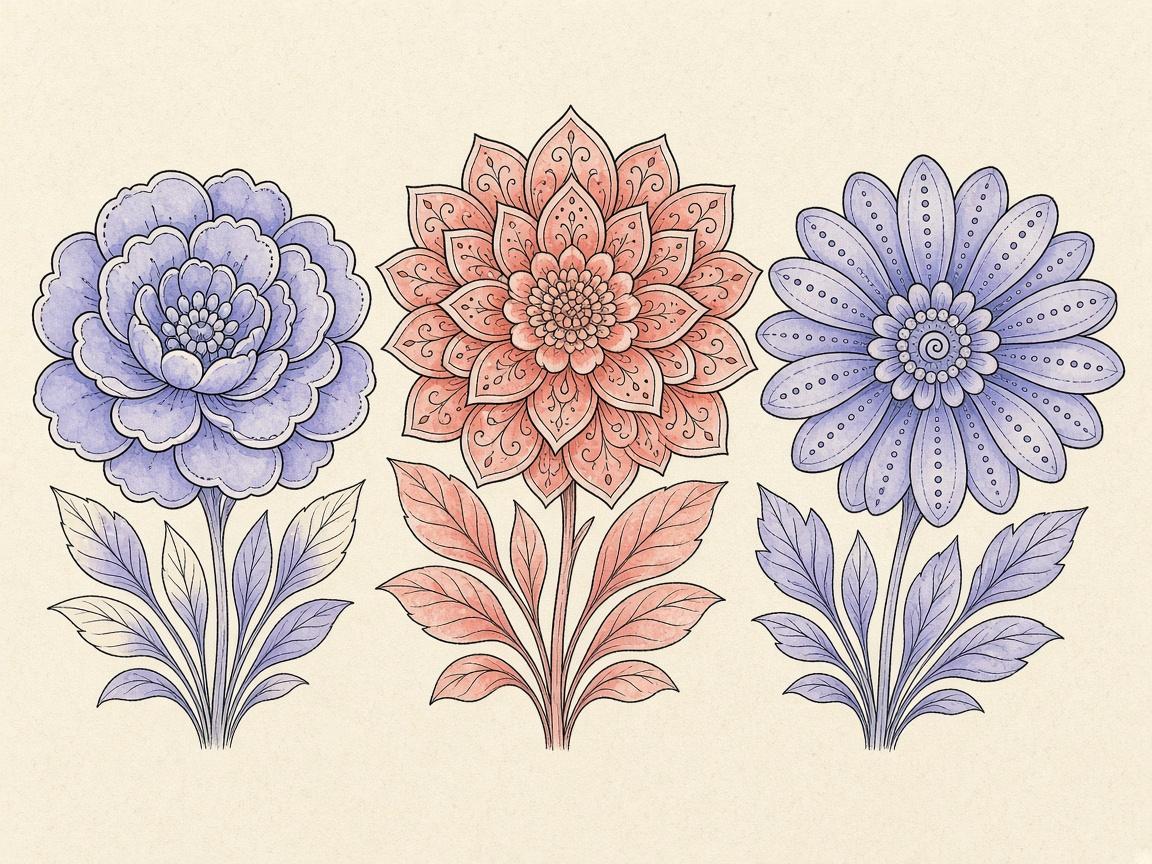
To choose adult coloring pages by detail level, look at the size and spacing of the shapes before you start. Open shapes that you can fill in one tap suit a short session. Dense mandalas and repeating patterns suit a longer, quieter one. You can sort ColorDood’s pages this way with a quick look at the tile and a short test on the canvas.
This guide offers a simple three-level way to rate detail, shows how to match a page to your time and mood, and explains how to use zoom and brush size in ColorDood. It is practical advice for choosing pages. It does not make claims about health, learning, or results.
Why detail level matters
Detail level decides how much attention a page asks for. A page with a few large shapes is quick to fill and easy to finish. A page with hundreds of small cells can take many sessions, and it asks you to keep track of where you are. Neither is better. They simply suit different days.
Many colorers find that they enjoy a mix. A simple page on a busy day and a denser page on a free evening can both feel good. The problem usually starts when a page is much harder than you planned, so the choice feels like work instead of a break.
A simple three-level rating
You do not need a formal scale. Use three levels, and pick the one that matches what you see on the page:
- Open: large, simple shapes such as a single flower, a fruit, or a teapot. Most areas can be filled in one or two taps.
- Medium: a mix of large and small shapes. Some areas need a careful brush, but most of the page is still easy to read.
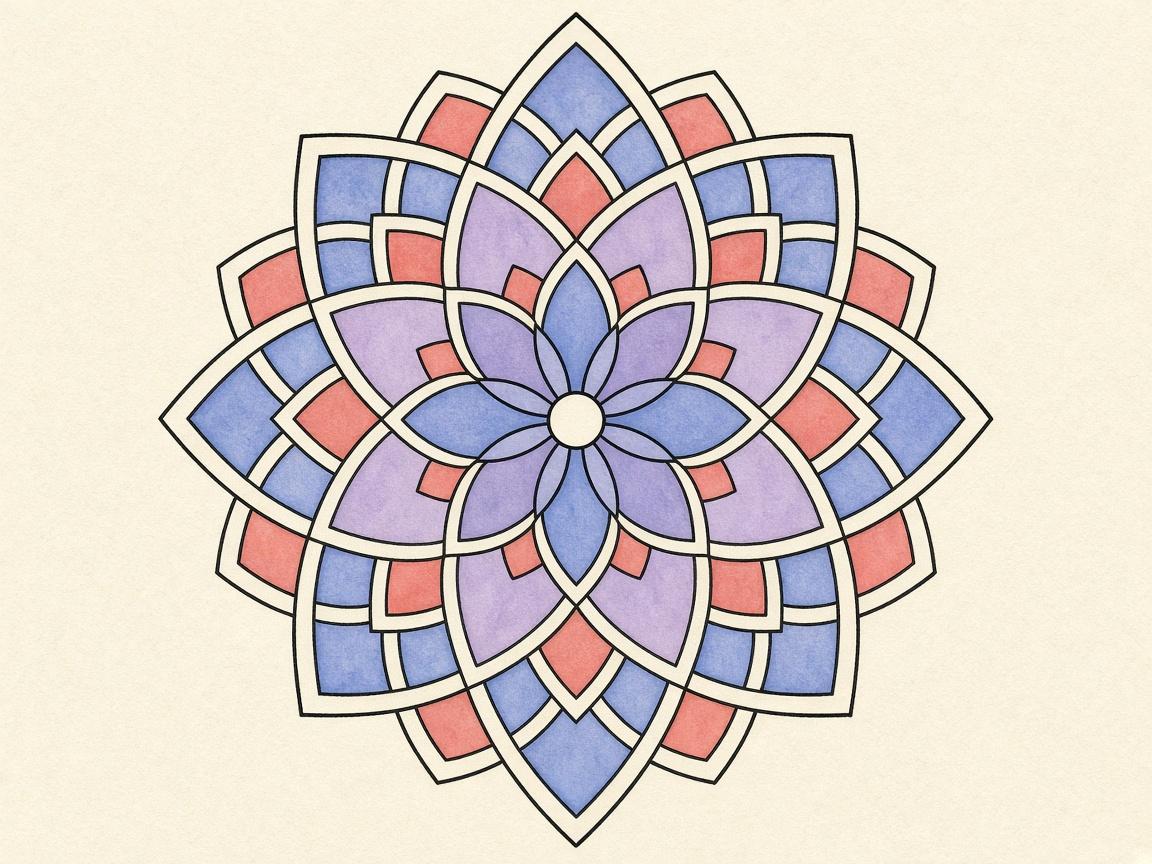
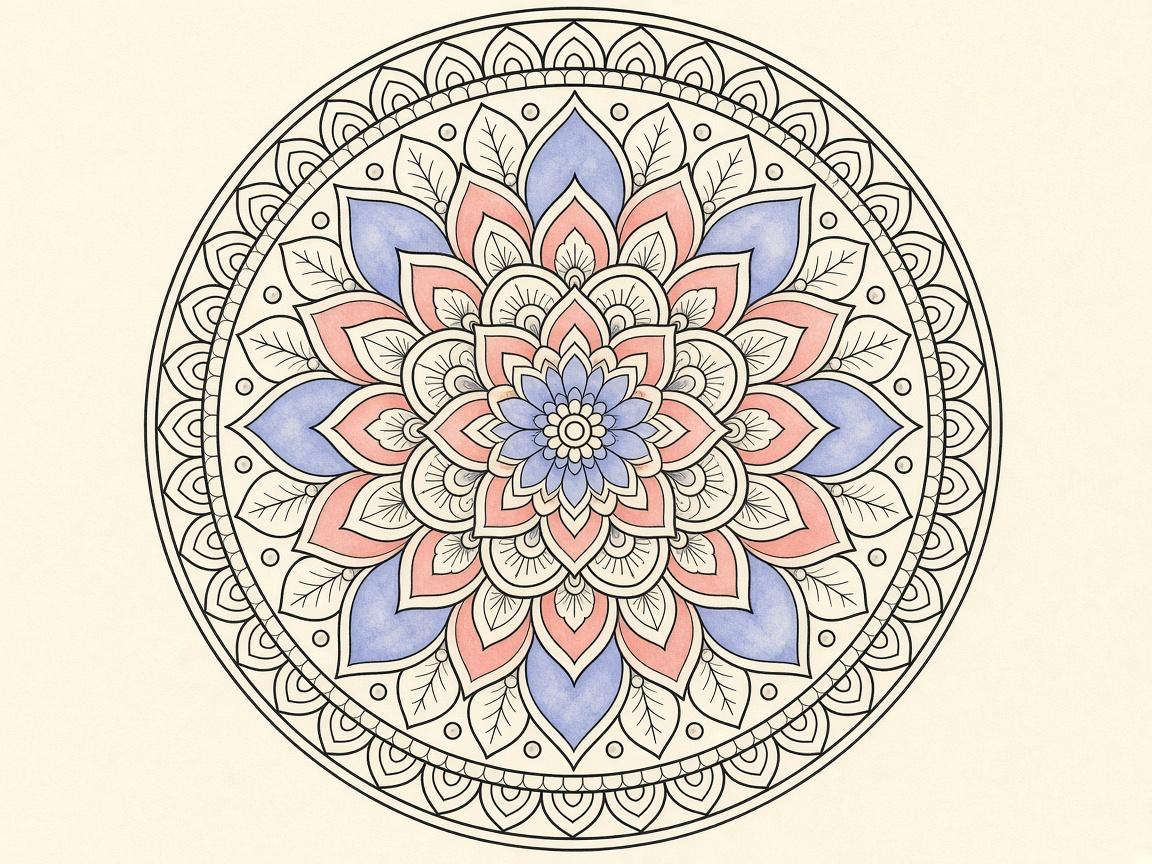
- Dense: many small, tightly packed areas, such as mandalas, geometric grids, or repeating patterns. Expect to zoom in often.
Look at the page as a whole first. Count roughly how many separate areas you can see. A page with a few dozen areas is usually open or medium. A page with many more is usually dense. This is a guess, but it is a useful one.
Matching detail to your time and mood
Think about the session you have, not the one you wish you had. A ten-minute break on a bus calls for an open page. A slow evening with the music on may suit a medium page. A long, uninterrupted hour can work for a dense page, if you have the patience for it.
- Short session, low energy: choose an open page with few areas
- Medium session, steady mood: choose a medium page with a mix of shapes
- Long session, focused mood: choose a dense page and plan to zoom in
- Tired or rushed: pick a page you have colored before, or one you can finish in one sitting
The Daily Calm page at the top of the Library rotates by day, so it is a quick way to start without comparing pages. In the Library, you can also use the category strip to narrow the choice. Pages in the Patterns & Mandalas group tend to be denser, so check the shapes before you open one. Use the search bar when you already know what you want.
Using zoom on dense pages
Zoom is the main tool for fine detail in ColorDood. Pinch to zoom anywhere from 1x to 6x, and use one finger to pan around the page. The + and - buttons change zoom in steps of about 1.4x, which is useful when you want a more controlled view.
When you are zoomed in, the Hand tool lets you pan with one finger. Hand mode turns off at 1x, so you will not accidentally move the page when you are not zoomed in. Fit screen resets the view to the whole page, which helps you see how the piece is coming together.
Work in small zoomed areas. Color one petal or one tile at a time, then zoom out to check the balance. Zooming out often keeps you from overworking one spot while the rest of the page stays empty.
Brush size and boundary on fine areas
Brush size runs from 4 to 60. On dense pages, start with a size that fits the areas comfortably, and drop to a smaller size only when the shape is very narrow. Using a large brush on a tight area is one of the most common causes of color going over the lines.
Keep the boundary on Inside when you work in small areas. Inside clips strokes to the enclosed shape where your touch starts. Free paints anywhere, which can be useful for a background, but it makes tight work harder. The boundary toggle is in the tool dock.
Fill fills the full enclosed region on each tap. On a dense page, Fill is quick for large areas. For a small cell that needs only part of its space colored, the Brush is the better choice.
What counts as detailed is subjective
A page that looks busy to one person may feel calm to another. Screen size matters too. A page that is dense on a small phone may look open on a tablet, and the reverse can be true. Your eyesight, lighting, and experience with the tools also change how a page feels.
This is why the three levels in this guide are a personal shorthand. Use them to sort pages for yourself. If a page you rated as open feels hard, move it down a level next time. If a dense page feels relaxing, you can keep choosing that kind of page. There is no right answer.
A checklist for choosing a page
- Decide how long you have before you open a page
- Look at the shapes and rate the page as open, medium, or dense
- Match the level to your time and mood
- Open the page and fill one large area to test the feel
- Zoom in before working on any small area
- Use a smaller brush only for narrow shapes, and keep the boundary on Inside
- Zoom out and check the whole page every so often
- Save and leave the canvas when your time is up
What this guide does not cover
This guide does not cover printing, paper coloring, or any specific printable pack. It also does not rank pages by quality or claim that detailed pages have any benefit beyond the enjoyment of coloring them. Detail level is a way to choose pages that suit your time, not a measure of anything about you.
For settings that may change with updates, check the app itself. If you have concerns about your eyesight or comfort while coloring, please speak with a qualified professional. Coloring is a hobby, and this guide is only about choosing pages.
Frequently asked questions
What is the simplest way to rate a coloring page’s detail?
Look at the shapes. Open shapes that you can fill in one tap are low detail. Medium pages have a mix of sizes. Dense pages have many small, tightly packed areas, such as mandalas or repeating patterns.
Should beginners start with the most detailed pages?
Usually not. Starting with large, open shapes lets you learn the tools and the boundary setting before you deal with small areas. You can move to denser pages once that feels comfortable.
How does zoom help with fine detail in ColorDood?
Pinch to zoom from 1x to 6x, then pan to the area you want. The + and - buttons change zoom in steps of about 1.4x. Pair zoom with a smaller brush size for tight areas, and reset with Fit screen when you want the whole page back.
Is detail level a fixed rating?
No. What feels detailed depends on your eyes, your screen size, your patience, and your day. Treat the three levels in this guide as a personal shorthand, not an official standard.
Ready to play a free coloring game?
Download ColorDood — free AI adult coloring book and coloring game with 1000+ pages, 11 tools, calming sounds, and no login required.