App guides
Apple Pencil Coloring App: Freehand Tips for Stylus Sessions
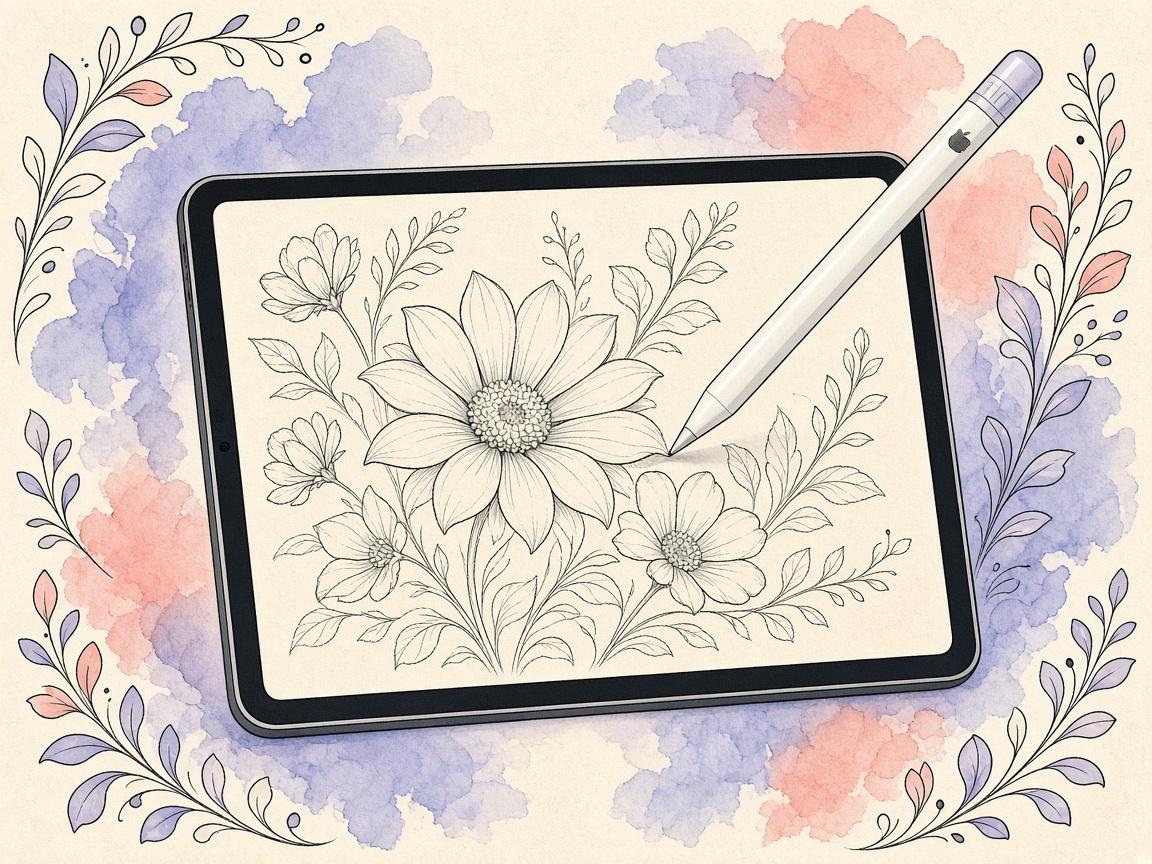
An Apple Pencil coloring app should reward freehand strokes, zoom for detail, and a calm catalog. Here is how ColorDood fits on iPad.
Updated November 11, 2026 · 7 min read
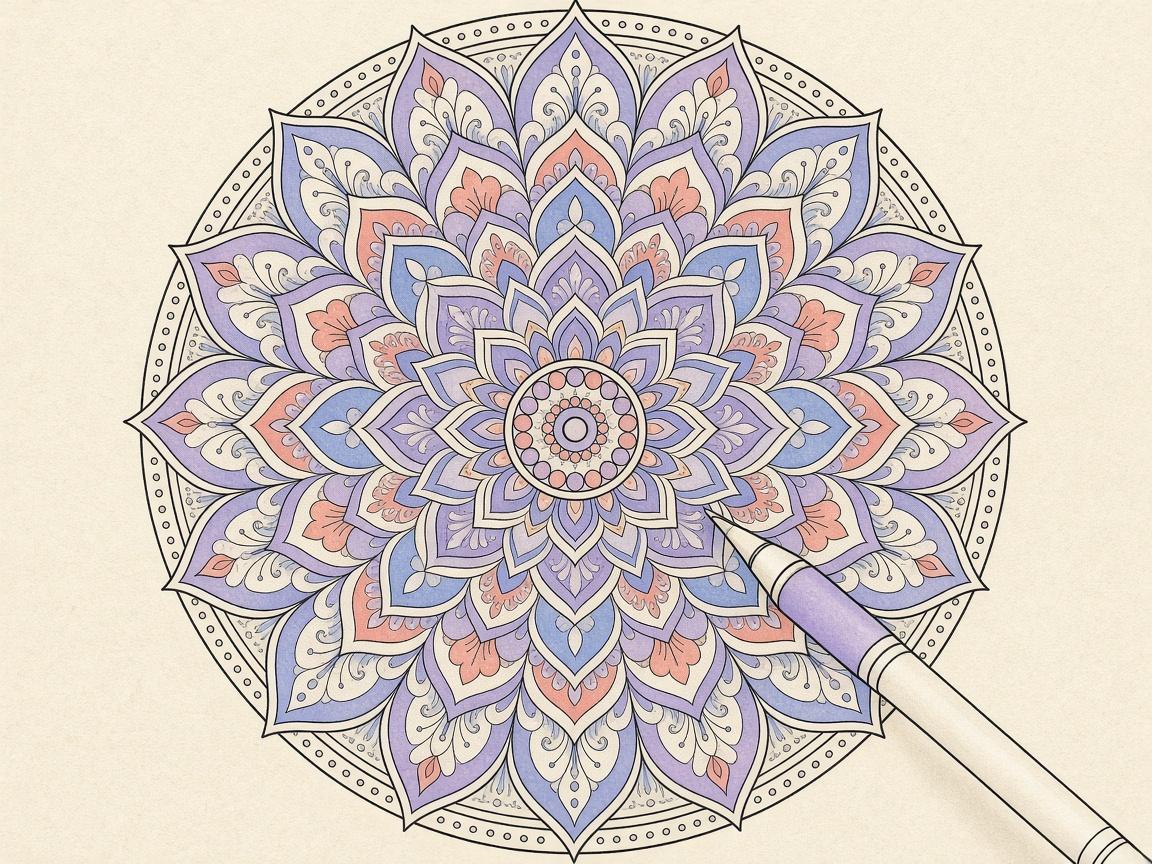
An Apple Pencil coloring app should reward freehand strokes — clean edges, controlled fills, and zoom that stays steady when you lean into fine detail.
Stylus searchers often want more than tap-to-fill. Freehand apps feel closer to paper. ColorDood on iPad is built around freehand tools, not numbered cells.
Pencil session tips
- Zoom before tiny regions
- Use Fill for large closed shapes, Brush for edges
- Undo freely — digital paper forgives
- Save by leaving the canvas so Gallery keeps a copy
Related product guides
Tool overview: ColorDood brush tools guide. Zoom habits: ColorDood zoom and fine detail tips. Device pages: iPad coloring app and best coloring app for iPad.
Frequently asked questions
Does ColorDood support Apple Pencil?
ColorDood is a freehand coloring app on iPad. You can color with Apple Pencil or finger; use zoom for fine regions.
What should an Apple Pencil coloring app prioritize?
Stable zoom, undo, freehand brushes, and pages with enough detail to reward precise strokes.
Is Pencil required?
No. Pencil helps; finger coloring still works for many pages.
Ready to play a free coloring game?
Download ColorDood — free AI adult coloring book and coloring game with 1000+ pages, 11 tools, calming sounds, and no login required.