App guides
iPad Coloring App: Freehand Pages on a Bigger Screen
An iPad coloring app should use the bigger screen for freehand detail, work offline, and stay honest about free vs Premium.
Updated November 11, 2026 · 8 min read
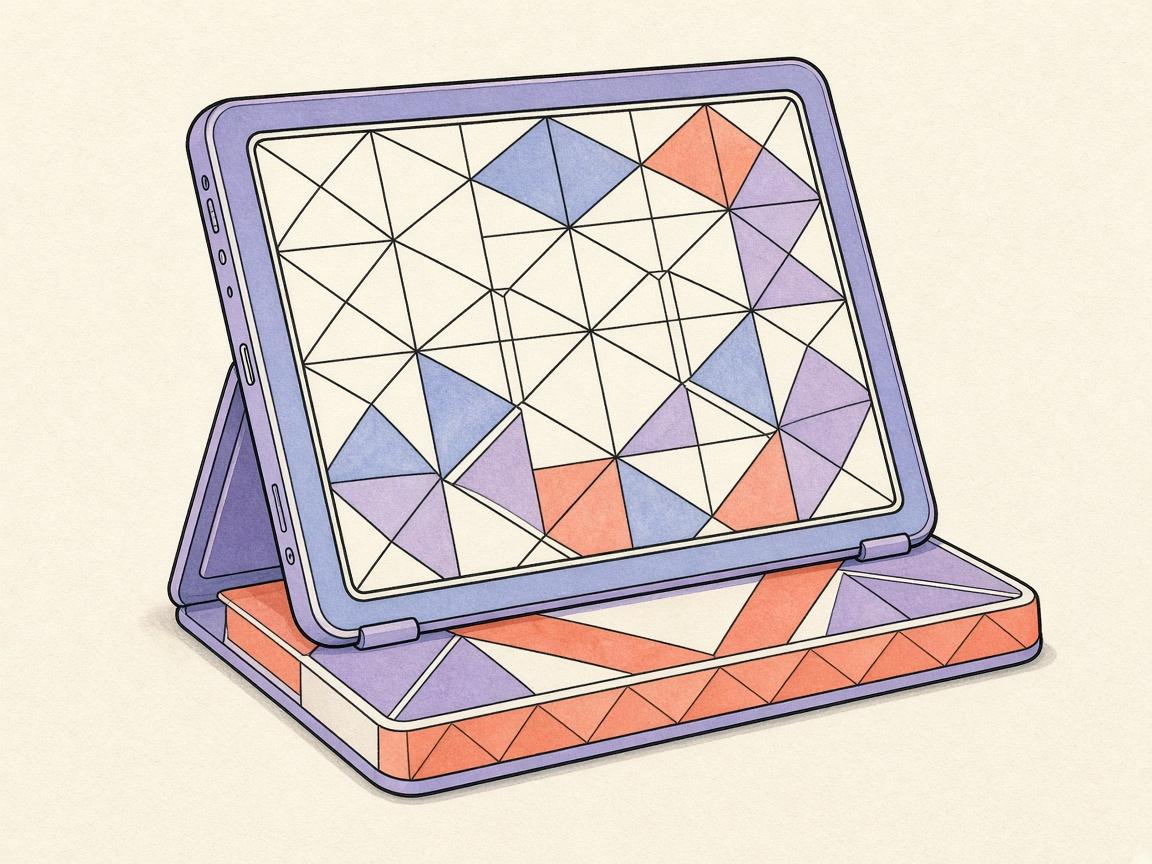
An iPad coloring app should use the bigger screen for freehand detail — zoom into petals, fill large regions cleanly, and keep finished pages in a gallery you can reopen offline.
People search iPad coloring app when they want device-specific fit, not a generic phone list. The checklist is still familiar: freehand vs numbers, free tier honesty, catalog trust.
Why iPad helps coloring
- More canvas space for dense adult pages
- Comfortable two-hand hold with Pencil or finger
- Easy to share a tablet on the sofa without a tiny phone screen
Checklist
- Open and finish a page without paying
- Test zoom and undo on a detailed floral or pattern
- Flip to airplane mode and confirm the library still opens
- Decide if Pencil matters for your style
How ColorDood works on iPad
Install from the App Store, browse Library categories, color freehand with eleven tools, and leave the canvas so My Gallery saves on-device. For free-tier framing see free coloring app for iPad; for criteria shortlists see best coloring app for iPad.
Frequently asked questions
What makes a good iPad coloring app?
A clear library, freehand tools that use the larger screen, offline pages after install, and a free tier that lets you finish art before any wall.
Is ColorDood an iPad coloring app?
Yes. ColorDood runs on iPad with freehand coloring, on-device gallery, and no login required.
Do I need Wi‑Fi on iPad?
Not for core coloring after install. ColorDood keeps pages, tools, and gallery on-device.
Ready to play a free coloring game?
Download ColorDood — free AI adult coloring book and coloring game with 1000+ pages, 11 tools, calming sounds, and no login required.