App guides
Coloring App for iPhone: Calm Sessions in Your Pocket
A coloring app for iPhone should fit short pocket sessions — offline pages, no login, freehand tools that work with a finger.
Updated November 11, 2026 · 7 min read
A coloring app for iPhone should fit short pocket sessions — a waiting room, a commute, a quiet ten minutes — without demanding Wi‑Fi or an account before the first brushstroke.
Phone screens favor clearer outlines and confident fill tools. Dense adult pages still work if zoom is solid. ColorDood is freehand on iPhone with an on-device gallery.
Phone-first checklist
- One-handed or two-thumb comfort
- Zoom that stays stable on fine regions
- Offline pages after download
- Honest free tier before Premium
How ColorDood fits
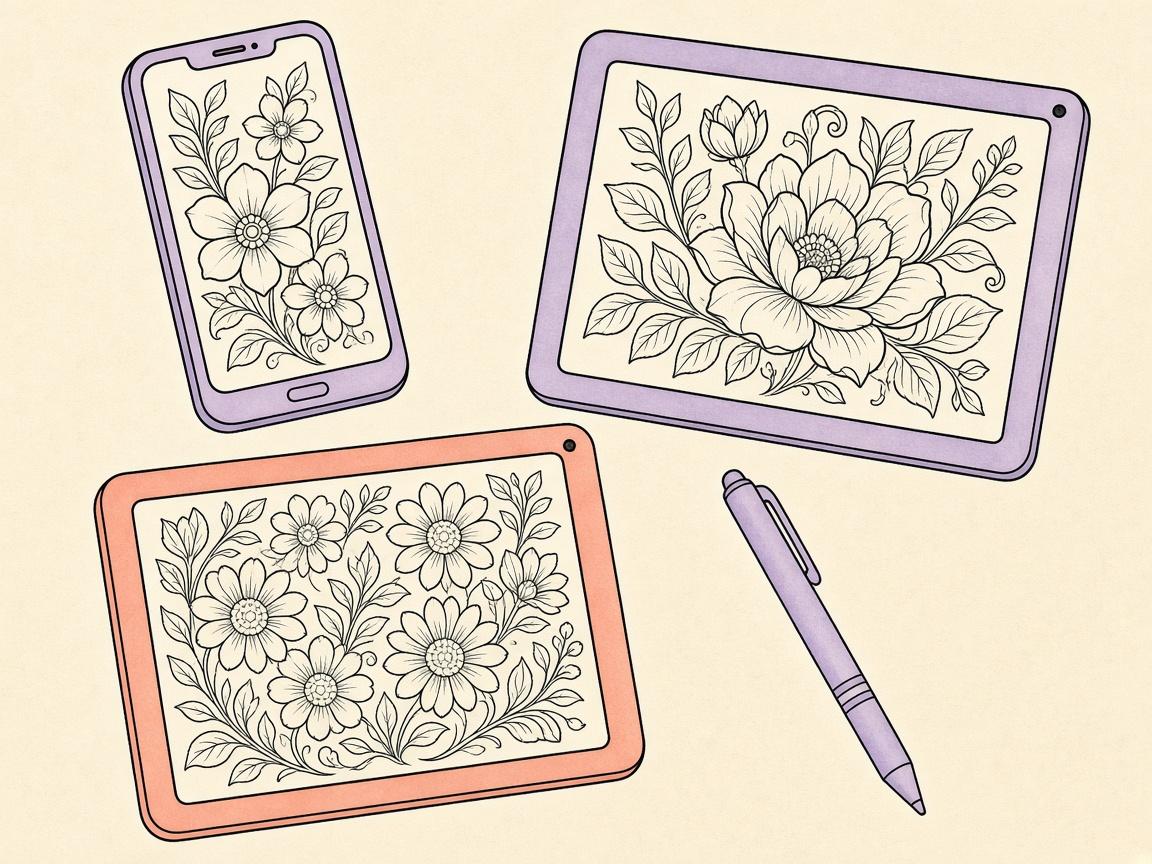
Install, open Library, pick a page with a color-count badge that matches your energy, color freehand, and save to My Gallery. For tablet framing see iPad coloring app. For cross-device lists see best coloring apps for iPhone, iPad, and Android.
Frequently asked questions
What should a coloring app for iPhone do well?
Open fast, color offline, skip forced login, and keep tools usable with a finger on a smaller screen.
Does ColorDood work on iPhone?
Yes. ColorDood is free to download on iPhone with freehand tools, offline gallery, and no account required.
iPhone or iPad?
iPhone wins for pocket sessions; iPad wins for long detailed pages. ColorDood supports both.
Ready to play a free coloring game?
Download ColorDood — free AI adult coloring book and coloring game with 1000+ pages, 11 tools, calming sounds, and no login required.