
Guides
ColorDood vs Canva and Sketchbook: Line Art Coloring Compared in 2026
Canva is a design suite and Sketchbook is a drawing app — neither is built for coloring ready-made pages. Here is how ColorDood compares for calm, freehand line art coloring.
Updated November 20, 2026 · 12 min read · 1,330 words
ColorDood vs Canva vs Sketchbook is really a question about what you are trying to do. Canva is a template-driven design platform for social posts, presentations, and marketing. Autodesk Sketchbook is a drawing and sketching application with professional brushes. ColorDood is a coloring app and coloring game built around curated pages and AI line art. All three can touch line art, but only one is purpose-built for coloring it.
In 2026 more people color on phones and tablets than ever, and many start with whatever app is already installed. That usually means a design tool or a drawing app, which leads to friction: no pages, no calm workflow, and a steep learning curve. This guide compares the three across page sourcing, tools, offline use, pricing, and family safety so you can choose the right lane.
Canva for coloring: strengths and limits
Canva excels at templates, typography, and brand kits. It is a powerful design platform, but it is not a coloring app. You can upload a line-art image and paint over it with basic elements, yet there is no coloring-focused toolset, no curated page library, and no AI line-art generator tuned for clean outlines.
- **Strength:** Huge template library and easy sharing for social or print designs.
- **Strength:** Great for making coloring book covers, labels, or printable sheets.
- **Limit:** No freehand coloring brushes purpose-built for strokes and shading.
- **Limit:** Cloud-first workflow; most features need an internet connection.
- **Limit:** No curated, family-safe coloring page library or AI generation.
Sketchbook for coloring: strengths and limits
Autodesk Sketchbook is a respected drawing and sketching app with professional-grade brushes, layers, and a clean interface. It is excellent for artists who want to sketch, ink, and paint. For coloring specifically, you must source or draw your own line art and manage layers yourself, which adds friction for casual colorists.
- **Strength:** Professional brushes and a natural drawing feel on tablets.
- **Strength:** Works well for inking your own line art before coloring.
- **Limit:** No ready-to-color page library or AI line-art generator.
- **Limit:** Learning curve for layers, canvas size, and brush settings.
- **Limit:** Content curation is entirely your responsibility.
ColorDood for coloring: what it is built for
ColorDood is a mindful freehand coloring app and coloring game for iPhone, iPad, and Android. It ships 250+ free curated pages (4,500+ with Premium) and Imagine it AI line art, plus 11 freehand tools, 10 palettes, zoom, and Apple Pencil support. It is offline-first, login-free, and family-safe by design.
- **Ready-to-color pages:** Geometric patterns, florals, architecture, landscapes, and objects.
- **AI line art:** Imagine it turns a prompt into clean outlines — Free 1/day, Premium 5/day.
- **Offline play:** No Wi-Fi or account needed; Premium adds offline library download.
- **Family-safe:** Scholar-guided, halal-friendly art with no human figures or holiday packs.
ColorDood vs Canva vs Sketchbook: comparison table
| Feature | ColorDood | Canva | Sketchbook |
|---|---|---|---|
| Primary purpose | Mindful freehand coloring | Design templates and graphics | Drawing and sketching |
| Ready-to-color pages | 250+ free / 4,500+ Premium | None built in | None built in |
| AI line art | Imagine it (Free 1/day, Premium 5/day) | AI image tools, not coloring pages | None |
| Freehand coloring tools | 11 calm tools + 10 palettes | Basic design elements | Professional brush set |
| Offline use | Full offline play; Premium download | Mostly cloud-first | Works offline once installed |
| Platforms | iPhone, iPad, Android | Web, iOS, Android | iPad, iOS, Android, desktop |
| Pricing | Free; Premium $4.99/month | Free; Canva Pro subscription | Free or low-cost by platform |
| Family-safe curation | Scholar-guided library | User-created content | User-created content |
| Learning curve | Minutes to start coloring | Minutes for templates | Hours for studio tools |
When Canva is the right tool
Pick Canva when your goal is to design something: a coloring book cover, a printable activity sheet, a social post, or a brand asset. It is a production tool, not a coloring experience. Many creators use Canva to lay out pages and ColorDood to color them.
When Sketchbook is the right tool
Pick Sketchbook when you want to draw original art, ink your own line art, or practice sketching with professional brushes. It is a strong creative tool but expects you to manage pages, layers, and content yourself.
When ColorDood is the right tool
Pick ColorDood when you want to relax by coloring ready-made or AI-generated pages with freehand brushes, offline play, and family-safe curation. It is the only one of the three built specifically for that loop: open, choose a page, color, export, repeat.
- You want curated pages and AI line art without sourcing them yourself.
- You value offline play, no login, and a calm interface.
- You color on Android or share devices across family members.
- You prefer predictable pricing: Free daily use or $4.99/month Premium.
The practical workflow many colorists use
A common 2026 workflow combines tools: use Canva to design printable covers or activity sheets, Sketchbook to ink original line art, and ColorDood to color curated or AI-generated pages with freehand brushes. ColorDood then exports PDFs or HD images for printing or sharing. This keeps each app in its lane and reduces friction.
Pricing and value
ColorDood is free to download with 250+ pages, core tools, and 1 AI generation per day; Premium is $4.99/month or $49.99/year for 4,500+ pages, 50+ palettes, all tools, 5 AI generations per day, exports, and offline library download. Canva Pro and Sketchbook pricing vary by platform and region. For pure coloring, ColorDood’s bundled pages and AI generations usually deliver the best value.
The verdict
Canva and Sketchbook are excellent tools in their own domains, but neither is a coloring app. If your goal is calm freehand coloring with ready-made or AI-generated pages, offline play, family-safe art, and predictable pricing, ColorDood is the purpose-built choice on iPhone, iPad, and Android.
- **Canva:** best for design templates and brand graphics.
- **Sketchbook:** best for original drawing and inking.
- **ColorDood:** best for ready-to-color freehand relaxation and AI pages.
- **Pricing:** ColorDood Free or $4.99/month Premium.
Practical workflows that save time
- Use Canva to design a printable cover or activity sheet.
- Use Sketchbook to ink an original line drawing.
- Use ColorDood to color curated or AI-generated pages freehand.
- Export PDF or HD images from ColorDood for printing or sharing.
Keeping each app in its lane reduces friction. Design tools are great at layout, drawing tools are great at inking, and coloring apps are great at the relaxing loop of choosing colors and filling outlines. ColorDood closes the loop by exporting results for paper or sharing.
Common mistakes when mixing tools
- **Using a design tool for coloring:** limited brushes and no pages.
- **Using a drawing app without page sourcing:** extra setup before coloring.
- **Ignoring offline needs:** check connectivity before travel.
- **Skipping family safety checks:** review content for shared devices.
Free line art
Pages you can print from this guide
Every thumbnail is a real page from the ColorDood library. Open one to download the PNG or print a PDF — no signup.
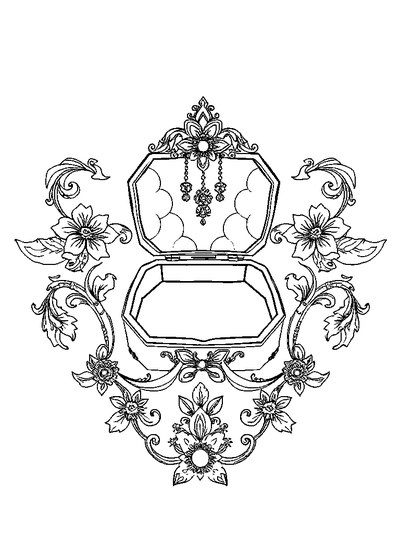
Jewelry Box — Symmetrical Composition Coloring Page
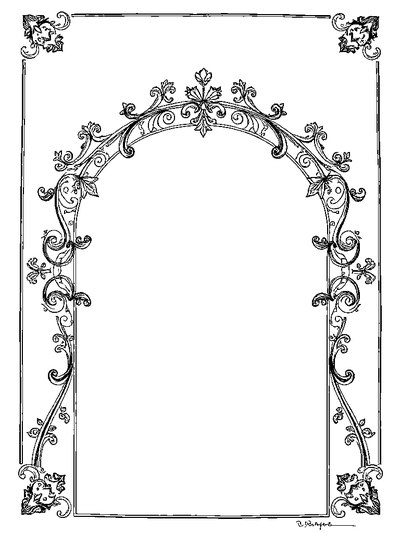
Architectural Blueprint — Decorative Border Design Coloring Page
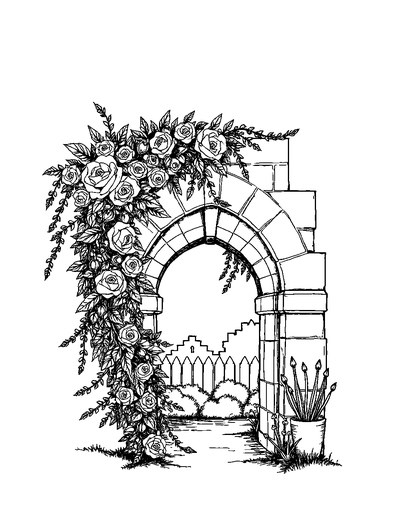
Ancient Stone Archway Heavily Clothed in Climbing English Ivy and Roses

Quilted Leather Designer Handbag with Chunky Gold Chain Strap
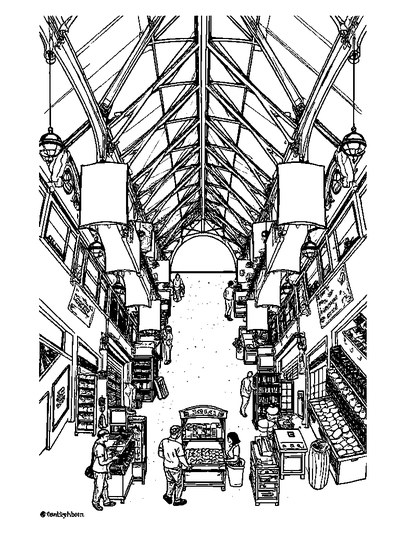
Market Hall — Overhead Flat Lay Coloring Page
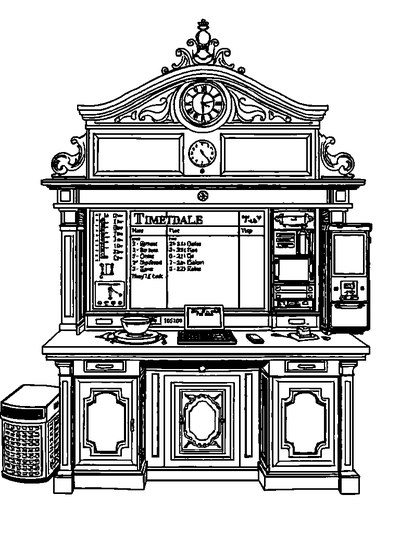
Railway Timetable Desk — Bold Easy Outlines Coloring Page
Frequently asked questions
Can I color line art in Canva?
Canva is primarily a design and template tool. You can place line art on a canvas and paint with limited tools, but it has no coloring-focused workflow, curated page library, or AI line-art generator for coloring. ColorDood is built specifically for that job.
Is Sketchbook good for adult coloring?
Sketchbook (now Autodesk Sketchbook) is a capable drawing and sketching app with professional brushes. It works for coloring if you import or draw line art, but it offers no curated coloring pages, no AI generation, and no family-safe library. It suits artists more than colorists.
Which app is best for beginners who want to color line art?
ColorDood. It ships 250+ free curated pages, includes 11 freehand tools and 10 palettes, and lets you generate AI line art from a prompt. You can start coloring in under a minute without learning layers or canvas setup.
Does ColorDood work offline like Canva or Sketchbook?
ColorDood plays fully offline with no login, and Premium adds offline library download. Canva is cloud-first and needs connectivity for most features. Sketchbook works offline for drawing once installed. For coloring on flights or commutes, ColorDood is the most coloring-specific offline option.
Which is cheapest for coloring?
ColorDood is free to download with 250+ pages and core tools, with Premium at $4.99/month or $49.99/year. Canva has a free tier plus Canva Pro. Sketchbook is typically free or low-cost depending on platform. For pure coloring value, ColorDood’s bundled pages and AI generations are hard to beat.
Ready to play a free coloring game?
Download ColorDood — free AI adult coloring book and coloring game with 250+ free pages (4,500+ with Premium), 50+ color palettes, PDF & HD exports (Premium), and no login required.
