Product
A Cleaner Library: Today's Picture, an AI Tab, and Categories
The library is now cleaner: Today's picture, then categories. AI features moved to their own tab so browsing stays focused.
Updated November 3, 2026 · 6 min read
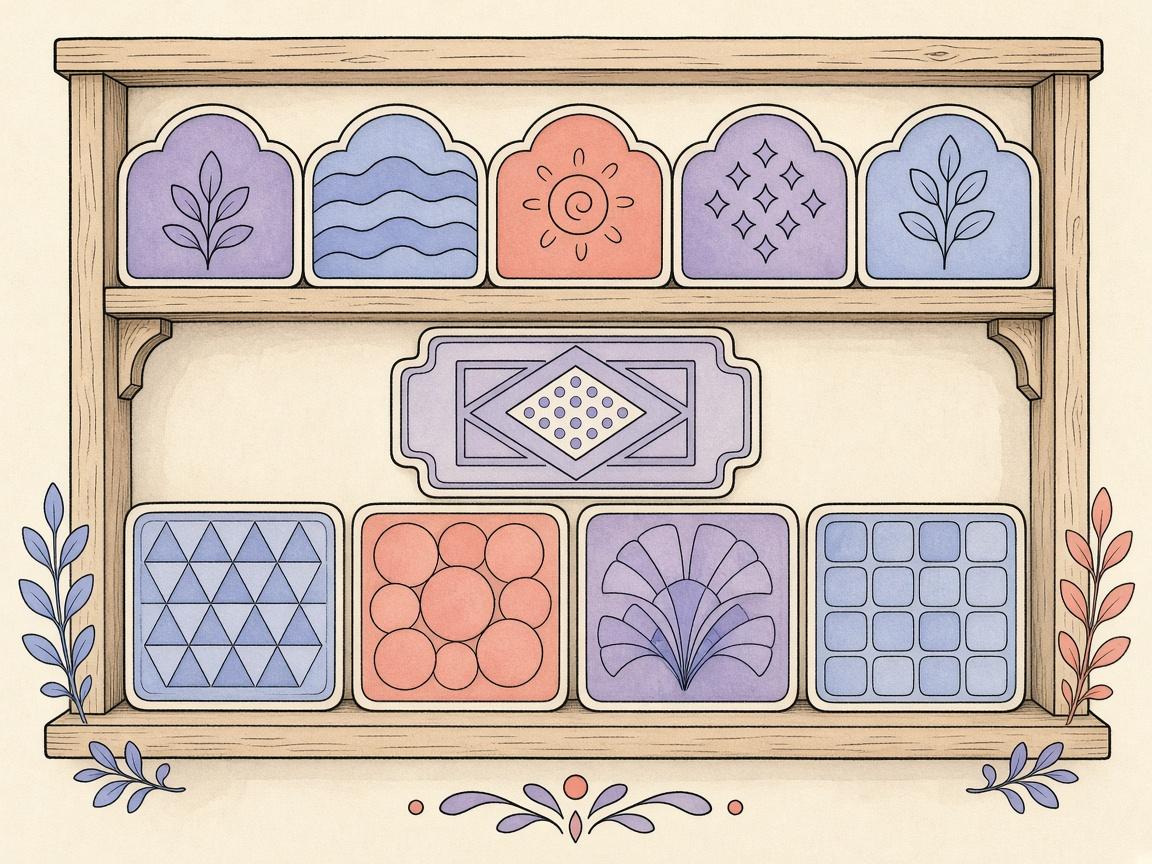
ColorDood's library got a cleanup. The home screen now leads with Today's picture, followed by categories — and AI features moved to their own dedicated tab. The result: a calmer, more focused library where browsing pages feels effortless.
What's in the library now
- Today's picture — a fresh Daily Calm page every day
- Categories — browse 1000+ pages grouped by theme
- Search — find pages by name or category
The new AI tab
AI features now have their own home in the bottom navigation (the 3rd tab). Open it to find two cards: 'Imagine it' (text to AI coloring page) and 'Color an image' (photo to coloring page). Each card keeps its own image library, accessible via 'See previous images' — so imagined images and color images stay separate from each other and from the general library.
- Imagine it — type a prompt, AI draws a coloring page
- Color an image — pick a photo, get a coloring page (no AI)
- See previous images — browse your saved outlines
- Each feature keeps its own library
Why the split
Mixing AI creations into the general library made browsing feel cluttered and made it hard to find your original pages. Separating them keeps the library clean (Today's picture + categories) while giving AI features room to grow — with their own screens, their own image libraries, and their own 'See previous images' views.
Frequently asked questions
What changed in the ColorDood library?
The library home now shows Today's picture first, followed by categories. AI features (Imagine it and Color an image) moved to their own dedicated AI tab, so the library stays focused on browsing pages.
Where did the AI features go?
AI features now live in the AI tab in the bottom navigation (3rd tab). Open it to find 'Imagine it' and 'Color an image', plus your saved imagined and color-image libraries.
Can I still see my AI creations?
Yes. Tap 'See previous images' on the Imagine card to open your imagined images, or on the Color an image card to open your color images. They are stored separately and never mixed into the general library.
Ready to play a free coloring game?
Download ColorDood — free AI adult coloring book and coloring game with 1000+ pages, 11 tools, calming sounds, and no login required.