Product
Color a Photo: Turn Any Picture into a Coloring Page (No AI, Works Offline)
Pick a photo you love and ColorDood turns it into a coloring page with clean ink lines — no AI, no daily limit, fully offline.
Updated November 3, 2026 · 7 min read
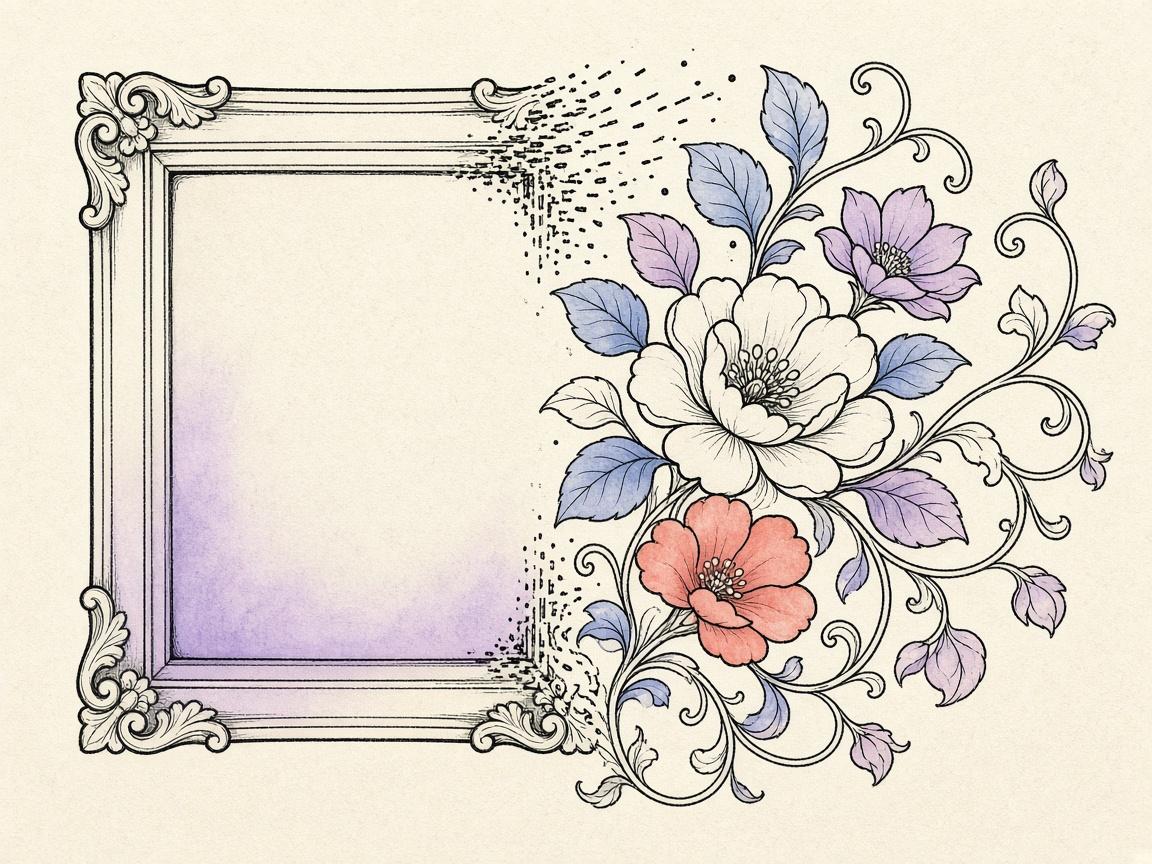
ColorDood's 'Color an image' turns any photo into a clean black-and-white coloring page you can color by hand. Pick a photo from your gallery or camera, and the app extracts clean ink lines on your device — no AI, no daily limit, no internet. It's the fastest way to turn a memory into something you can color.
No AI, no daily limit
Unlike the AI 'Imagine it' feature, 'Color an image' runs entirely on deterministic image math — Sobel edge detection plus a statistical ink threshold. There is no model to call, no credits to spend, and no daily cap. Convert as many photos as you like, as often as you like.
- No AI model — runs on your device
- No daily limit or credits
- No internet connection required
- No account or login
How it works
- Tap 'Pick a photo to color' on the Color an image card
- Choose a photo from your gallery or camera
- ColorDood extracts clean ink lines in seconds
- Color the page by hand with 11 brushes and 10 palettes
- Finished art auto-saves to your gallery
Your color images stay separate
Color-image outlines are saved to a dedicated color image library, separate from the AI imagine library and your colored gallery. Tap 'See previous images' on the Color an image card to browse the original outlines — tap one to reopen and color it. Finished colored results go to your gallery, so outlines and finished art never get confused.
Tips for best results
- Use photos with a clear subject and good contrast
- Single subjects (a flower, a pet, a cup) work best
- Avoid very busy or low-contrast photos — they produce noisy line art
- Crop to the subject before converting for cleaner outlines
Frequently asked questions
Does 'Color an image' use AI?
No. 'Color an image' uses deterministic image math (Sobel edge detection plus statistical thresholding) to extract clean ink lines from your photo. There is no AI model, no daily limit, and no internet connection required.
Is there a daily limit on 'Color an image'?
No. Unlike the AI 'Imagine it' feature, 'Color an image' has no daily cap. You can convert as many photos as you like.
Does it work offline?
Yes. The entire photo-to-coloring-page pipeline runs on your device, so it works fully offline — no account, no login, no connection.
Where are color-image outlines saved?
They are saved to your private color image library, separate from the AI imagine library and your colored gallery. Tap 'See previous images' on the Color an image card to browse the original outlines.
What photos work best?
Photos with clear subjects and good contrast work best — a single flower, a pet, a landmark, a coffee cup. Very busy or low-contrast photos produce noisy line art that's hard to color.
Ready to play a free coloring game?
Download ColorDood — free AI adult coloring book and coloring game with 1000+ pages, 11 tools, calming sounds, and no login required.