
Mindfulness
Anxiety Relief Through Coloring Activities: A Calm Guide
A calm, honest look at coloring as a leisure activity, and how a few quiet minutes with ColorDood can fit into your day.
Updated November 17, 2026 · 8 min read · 1,133 words
Anxiety relief does not have to come from a complicated routine; for many people it starts with a simple, quiet activity like coloring. Coloring is a leisure activity, not medical care, and it does not treat anxiety or replace professional support. What it can offer is a gentle way to spend a few minutes: pre-drawn outlines, a few colors, and no pressure to be good at drawing. ColorDood is a free coloring app for iPhone, iPad, and Android that makes this easy. You open a page, pick a palette, and start filling shapes. In this guide we look at how to set up a calm coloring habit, what to keep simple, and when to step away.
Start with a page that is easy to begin
To begin, choose a page with a few large areas instead of a dense design. In ColorDood the Discover feed lets you swipe through free pages, and Daily Calm puts one featured page at the top of the Library each day. A simpler page means fewer decisions, so you can settle in quickly rather than spending your short window hunting for the right design. Free accounts get 250+ coloring pages, so there is plenty to try without paying anything. Premium opens 4,500+ pages and 50+ palettes if you later want more choice. You can browse what is available at /coloring-pages, or read /blog/relaxing-games-for-adults-and-kids for ideas on gentle pages that suit both adults and kids. Start with one page only.
Once you have a page, decide how long you will color before you start. A timer you can keep, even ten or fifteen minutes, gives the session a clear end and takes away the feeling that you should keep going. ColorDood saves your work to an on-device gallery when you leave the canvas, so a short sitting does not mean losing the page. You can come back to it tomorrow and keep editing. Undo and pinch-to-zoom are there if a stroke goes wrong or you want to work on a small area. If you would rather use paper, /free-pdfs has printable sheets you can download, and the guide at /blog/stress-relief-through-coloring-games covers coloring as a simple hobby. Nothing here is a target to reach; it is just a quiet slot in your day.
A simple checklist for a calm session
The most helpful thing you can do is keep the choices few. ColorDood includes 11 tools and, with Premium, 50+ palettes, but you do not need all of them in one sitting. A small set of steps is easier to repeat than an elaborate plan. You can even turn on a calm sound from the header if you like a little background audio. Here is a short checklist you can follow, adjust, or ignore. The point is repetition and ease, not a perfect page. If any part of the session stops feeling calm, it is fine to stop early and try again another day.
- Pick one page with large, simple areas before you sit down
- Choose a single palette and use Fill to lay down the first base colors
- Add a little detail with a brush or pencil only if you feel like it
- Keep the screen at a comfortable brightness and rest the phone on a flat surface
- Leave the canvas when your time is up so the gallery saves your work
- Notice how you feel, and stop if the session is no longer enjoyable
When coloring fits, and when to step away
A coloring habit works best as one small part of a wider routine. Some people like to color in the evening after the day is done; others keep it for a short break at lunch. ColorDood works with no WiFi once pages are on your device, and there is no login, so the app is ready when you are. Your gallery and coloring progress stay on your phone, and there are no ads to break the mood. The full offline library download is a Premium feature, and /pricing lists the current plans and prices. If you want to see what is included before you decide, /features walks through the tools, palettes, and export options.
It is just as important to know when not to color. If you feel pushed by a page, or coloring starts to feel like another task on your list, put the phone down and do something else. Coloring is a leisure activity, not a way to manage a health condition, and it does not replace professional support. If anxiety is affecting your daily life, a qualified professional is the right person to talk to. For a broader look at calm activities, the guide at /blog/stress-relief-through-coloring-games covers coloring as a hobby, and /blog/mindfulness-app-alternative-coloring-game compares it with other quiet apps. When you finish a page you like, ColorDood can save it as an image or a PDF for printing. You can download the app at /download whenever you are ready to try it.
Free line art
Pages you can print from this guide
Every thumbnail is a real page from the ColorDood library. Open one to download the PNG or print a PDF — no signup.
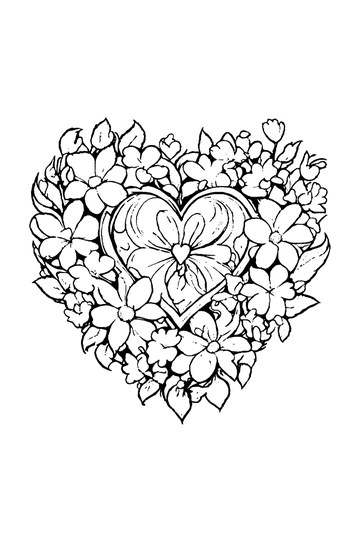
Adult Coloring Page: Heart with Flowers
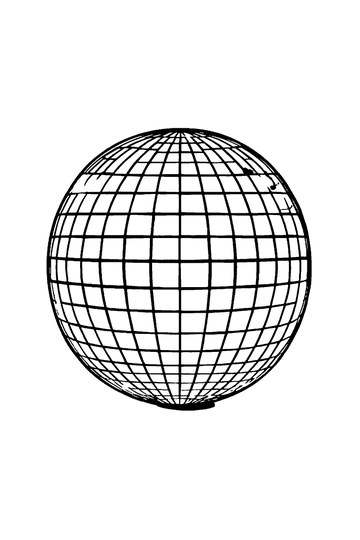
Abstract Drawing of Upside-Down Sphere with Grid Lines
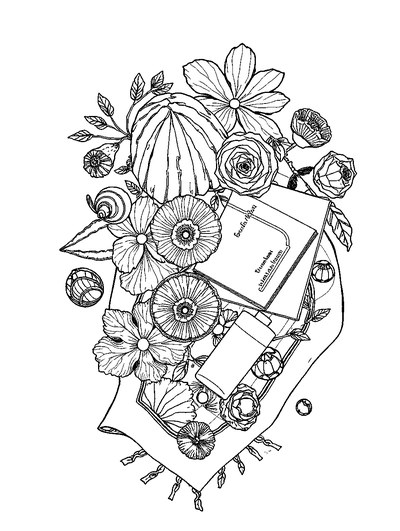
Aesthetic Beach Towel Flat Lay with Shells, Book, and Sun Lotion

Ad-Darr — The Distresser
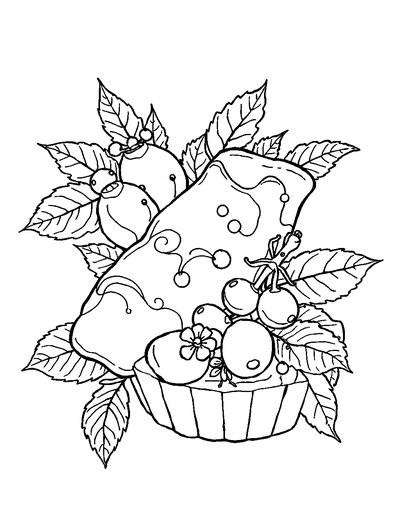
Aesthetic Glazed Fruit Tartlets Topped with Glossy Berries

1950s Vintage Convertible Roadster Parked Beside Palm Promenade
Frequently asked questions
Can coloring really help with anxiety relief?
Coloring is a leisure activity, not a treatment or medical care, so it should not be seen as a cure for anxiety. It does not replace professional support. What it can offer is a quiet, repetitive task: filling in pre-drawn outlines with ColorDood gives your hands something simple to do while your mind settles. If anxiety is affecting your daily life, please speak with a qualified professional.
What coloring activities suit a calm anxiety relief routine?
A good routine keeps the choice simple. In ColorDood, Daily Calm rotates a featured page each day, and the Swipe deck lets you find a design fast without hunting. Pick a page with a few large areas, use Fill to lay down base colors, then add detail only if you feel like it. Leaving the canvas saves your work to the on-device gallery, so you can continue later. There is no target to hit and no account to create.
Does ColorDood need internet or an account for coloring?
No account is needed. ColorDood keeps your gallery and coloring progress on your device, so there is no login. Core tools and saved pages work with no WiFi once pages are available on your device; the full offline library download is a Premium feature. That makes it easy to color quietly on a commute or at home. You can also export an image or PDF when you want a keepsake or a printed copy.
Ready to play a free coloring game?
Download ColorDood — free AI adult coloring book and coloring game with 250+ free pages (4,500+ with Premium), 50+ color palettes, PDF & HD exports (Premium), and no login required.
