
Kids coloring
Free Coloring Pages for Kids: A Simple App Guide for Parents
A parent's guide to free coloring pages for kids: how to pick a simple page and start coloring together in ColorDood.
Updated November 18, 2026 · 7 min read · 1,054 words
Free coloring pages for kids are simple, pre-drawn outlines that a toddler or preschooler can fill in with a few big color choices, and ColorDood puts hundreds of them on a phone or tablet. If you are looking for a free kids coloring pages app, this guide is for parents of young children who want a calm, easy place to start. ColorDood is a free coloring app for toddlers, preschoolers, and kids on iPhone, iPad, and Android, with 250+ pages in the free tier and 4,500+ with Premium. Every page already has its outlines drawn, so there is no drawing skill needed: your child picks a color and taps. You can color on a phone or tablet, keep finished pages in a simple on-device gallery, and export a PDF if you want a paper copy. This guide keeps things practical: what a good first page looks like, a short routine you can repeat, and where to find more pages when your child wants a new one. Coloring here is a leisure activity, not a lesson or medical care.
What makes a free coloring app right for young kids?
A good free kids coloring pages app has big, simple outlines, a handful of large spaces, and pictures a young child recognises, like a flower, a house, a car, or a cup. That is the short answer. Skip busy, detailed scenes with dozens of tiny gaps; a big simple shape is easier for small hands to fill and more satisfying to finish. Look for tools that need no drawing skill, a gallery that saves each page, and no ads that interrupt a session.
In ColorDood you can browse simple pages by category at /coloring-pages, or swipe through the Discover feed one page at a time. Flowers, food, homes, vehicles, and everyday objects are all reliable picks for this age. There are no animals, no holiday packs, and no licensed characters, so the library stays calm and family-safe. The Discover feed is shuffled and skipped pages are not kept, so tap the ones you want rather than swiping past. If you want to see how the same app works as a game for little ones, the guide at /blog/coloring-games-for-toddlers walks through it, and /features shows what is included before you install.
A simple coloring routine for parents
You do not need a long setup to start. Here is a short checklist for a calm few minutes with a toddler or preschooler. Each step takes a moment, and you can stop at any point. Repeating the same few steps suits young children who like to know what comes next.
- Open ColorDood and pick one simple page with big outlines before your child loses interest.
- Choose a single color to begin; Fill is the easiest tool for large areas.
- Sit the phone or tablet flat on a table so small hands can tap comfortably.
- Keep the first session short; a few minutes is plenty for this age.
- Let your child choose the next color on their own; there is no wrong choice here.
- Leave the canvas when you are done and the page saves to the on-device gallery automatically.
Coloring at home, on a trip, or with no WiFi
ColorDood works with no WiFi once pages are on your device, which makes it handy for car rides, waiting rooms, or a quiet afternoon at home. Your gallery and core tools stay on the phone or tablet, and there is no login to set up and no ads to interrupt a session. The full offline library download is a Premium feature, so check /pricing if you want every page ready before a trip. The free tier still includes 250+ pages, which is more than enough to begin. For more on keeping little ones busy without a connection, see /blog/toddler-games-without-wifi. A small download size and frequent updates mean it is easy to keep installed.
If you also like paper, you can export a PDF from ColorDood to print a page for the table, or grab a free printable at /free-pdfs. To check what is included before you install, take a look at /features, and /download shows where to get the app on iPhone, iPad, or Android. Whether you call them free coloring pages for kids or children's colouring sheets, it is the same calm library of original art.
Free line art
Pages you can print from this guide
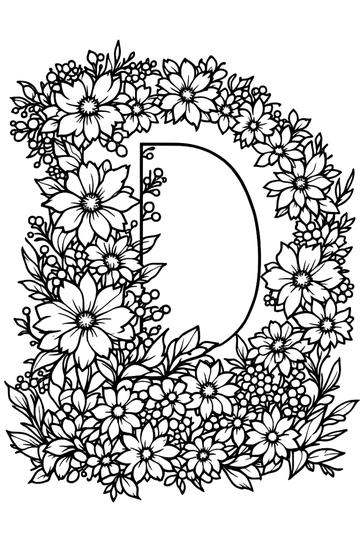
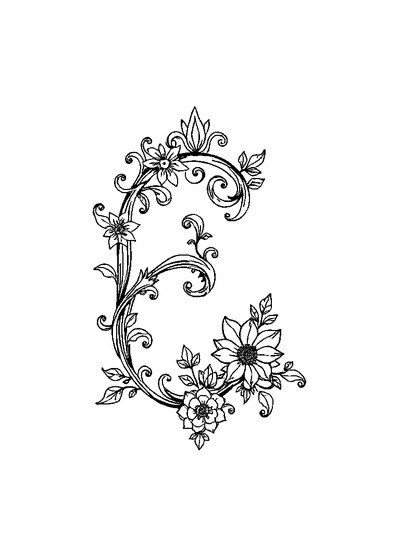
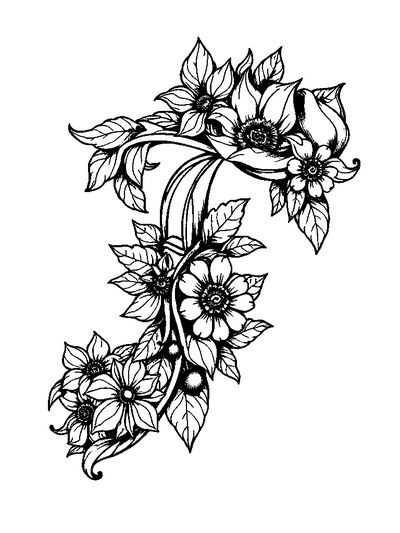
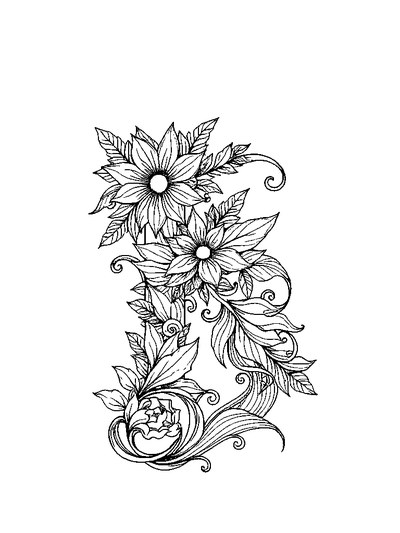
Every thumbnail is a real page from the ColorDood library. Open one to download the PNG or print a PDF — no signup.


Frequently asked questions
Where can I find free coloring pages for kids?
You can find free coloring pages for kids right inside ColorDood. The free tier includes 250+ ready-to-color pages of flowers, food, homes, vehicles, and everyday objects, with easy Fill and Brush tools and no drawing skill needed. Open /coloring-pages to browse by category, or swipe through Discover. There is no login and no ads, so a young child sees only the page. Coloring is a simple leisure activity, not a lesson.
Is there a free kids coloring app with no ads?
Yes. ColorDood is free to download on iPhone, iPad, and Android, and the free tier gives your child 250+ coloring pages with basic tools. There are no ads and no login to set up, so a session stays calm and uninterrupted. Pages, your on-device gallery, and core tools work offline once they are on the device. Premium adds 4,500+ pages, 50+ palettes, and a full offline library download if you want more later.
Can my child color without WiFi?
Yes. ColorDood works with no WiFi once pages are available on your device, which is handy for car rides, waiting rooms, or a quiet afternoon at home. Your gallery and core tools stay on the phone or tablet, with no login and no ads. The full offline library download is a Premium feature, so check /pricing before a trip. The free tier still includes 250+ pages, plenty for little hands to begin.
Ready to play a free coloring game?
Download ColorDood — free AI adult coloring book and coloring game with 250+ free pages (4,500+ with Premium), 50+ color palettes, PDF & HD exports (Premium), and no login required.
