
App guides
Childrens Coloring App: A Simple Guide for Little Hands
A parent-friendly look at choosing a childrens coloring app and starting calm, creative play in ColorDood.
Updated November 18, 2026 · 7 min read · 1,069 words
A childrens coloring app is a simple drawing app made for little hands: pre-drawn outlines a toddler or preschooler fills with color, with no drawing skill needed. ColorDood is one such free app for iPhone, iPad and Android, built around big shapes, a one-tap Fill tool and a calm, ad-free library. This guide walks a parent through what to look for, how to start a short session, and when the free tier is enough. Coloring is a leisure activity here, not medical care, and the app makes no developmental or learning claims.
What makes a coloring app right for a toddler?
A good childrens coloring app for a toddler has large simple shapes, a tool a small finger can use, and nothing that interrupts the session. That is the short answer. Look for pre-drawn outlines, a one-tap Fill option, and a small set of colors so a child is not staring at a wall of choices before they have even started.
ColorDood keeps the tools approachable: Fill, Brush and Pencil are enough for most pages, and a child can move on to Marker, Watercolor or Glitter when they are ready. The library groups art into familiar lanes like flowers, food, homes and vehicles, with clear outlines instead of tiny cells, so a three- or four-year-old can finish a picture in a few minutes. If you want more background on page types, our guide to coloring pages for toddlers at /blog/coloring-pages-for-toddlers goes into detail. For paper versions, the free sheets at /free-pdfs are worth a look.
A simple setup checklist for parents
Getting started takes about a minute. Here is a short checklist for setting up calm, independent coloring on a phone or tablet you are happy for your child to use. None of these steps need a drawing skill, an account, or any special equipment.
- Install ColorDood from the App Store (iPhone or iPad) or Google Play (Android) — no login or email required.
- Open a few pages first and pick one with large shapes so the first session ends with a finished picture.
- Start with the Fill tool and a small palette; add Brush, Pencil, Marker or Watercolor as your child gets confident.
- Turn the screen brightness to a comfortable level and lay the device flat so little hands can tap without slipping.
- Stay in the family-safe library: flowers, patterns, food, homes and vehicles, with no animals, licensed characters or holiday packs.
- Before a car ride or flight, open the pages you want in advance — ColorDood works offline once they are on the device.
- Leave the canvas when you finish so the page saves to the on-device gallery for next time.
Free or Premium, and where to learn more
The free tier is a sensible starting point: 250+ coloring pages, basic tools and 1 AI generation a day, with no ads and no account. Premium at $4.99/month or $49.99/year (prices vary by region) adds 4,500+ pages, 50+ palettes, all tools, 5 AI generations a day, PDF and HD exports, and a full offline library download. Try the free pages first and upgrade only if your family wants the extra variety; /pricing has current details and /features lists the full tool set.
If you are weighing paper against screen, our guide to free coloring pages for toddlers at /blog/free-coloring-pages-for-toddlers covers printable options. For the spelling difference and a how-to angle, /blog/childrens-colouring-pages-guide looks at the same library from a parent's point of view. The /coloring-pages overview shows the categories you can browse before you hand the device over, and /download gets the app onto your phone or tablet when you are ready to begin.
Keeping sessions short and calm
For most toddlers and preschoolers, a short session works better than a long one. A single page with a few big shapes is enough: name the colors as your child taps, praise the finished picture, and put the device away before attention wanders. There is no timer, no score and no correct way to color. The aim is a few quiet minutes of creative play, not a task to finish perfectly.
ColorDood saves progress when you leave the canvas, so there is no pressure to complete a page in one sitting. A child can return to the same flower or vehicle later and carry on, or simply start fresh with a new one. Because there are no ads and no login, the session stays predictable for a parent handing over the device. If you want a printable backup for the table, /free-pdfs has simple sheets, and /pricing explains the optional upgrade.
Free line art
Pages you can print from this guide
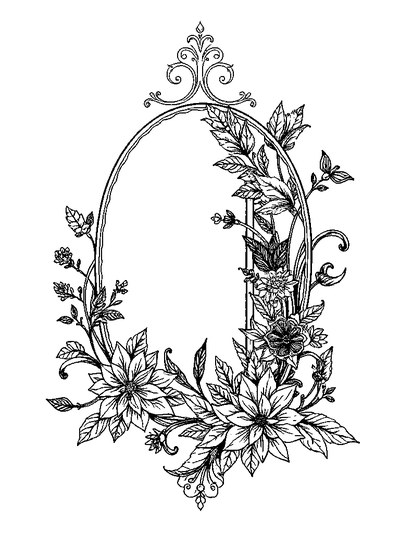
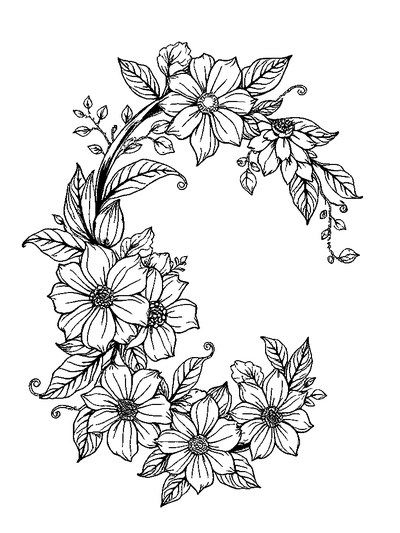
Every thumbnail is a real page from the ColorDood library. Open one to download the PNG or print a PDF — no signup.
Frequently asked questions
What should I look for in a childrens coloring app for my toddler?
Look for big simple outlines, tools a little hand can tap, no ads, and no login wall. ColorDood gives toddlers pre-drawn pages with a one-tap Fill tool, a family-safe library, and offline play once pages are on the device. It is free on iPhone, iPad and Android, so you can try it before deciding whether the $4.99/month Premium tier is worth it for your family.
Is ColorDood safe and ad-free for young children?
Yes. ColorDood has no ads and no account or login, and its original art is scholar-guided and family-safe: flowers, patterns, food, homes and vehicles, with no animals, licensed characters or holiday packs. Your child's saved pages stay in an on-device gallery. ColorDood is a leisure activity for calm creative play, not medical care or a learning assessment.
Does a childrens coloring app work without WiFi, and what does it cost?
ColorDood works offline once pages are on your device, which helps on car rides or flights. The free tier includes 250+ pages, basic tools and 1 AI generation a day. Premium is $4.99/month or $49.99/year (prices vary by region) for 4,500+ pages, 50+ palettes, all tools, 5 AI generations a day and a full offline library. There is no login.
Ready to play a free coloring game?
Download ColorDood — free AI adult coloring book and coloring game with 250+ free pages (4,500+ with Premium), 50+ color palettes, PDF & HD exports (Premium), and no login required.
