App guides
Best Coloring App for Android: Freehand, Free Tier, Offline
The best coloring app for Android depends on freehand tools, free-tier honesty, and offline use. Criteria first — ColorDood as one option.
Updated November 11, 2026 · 8 min read
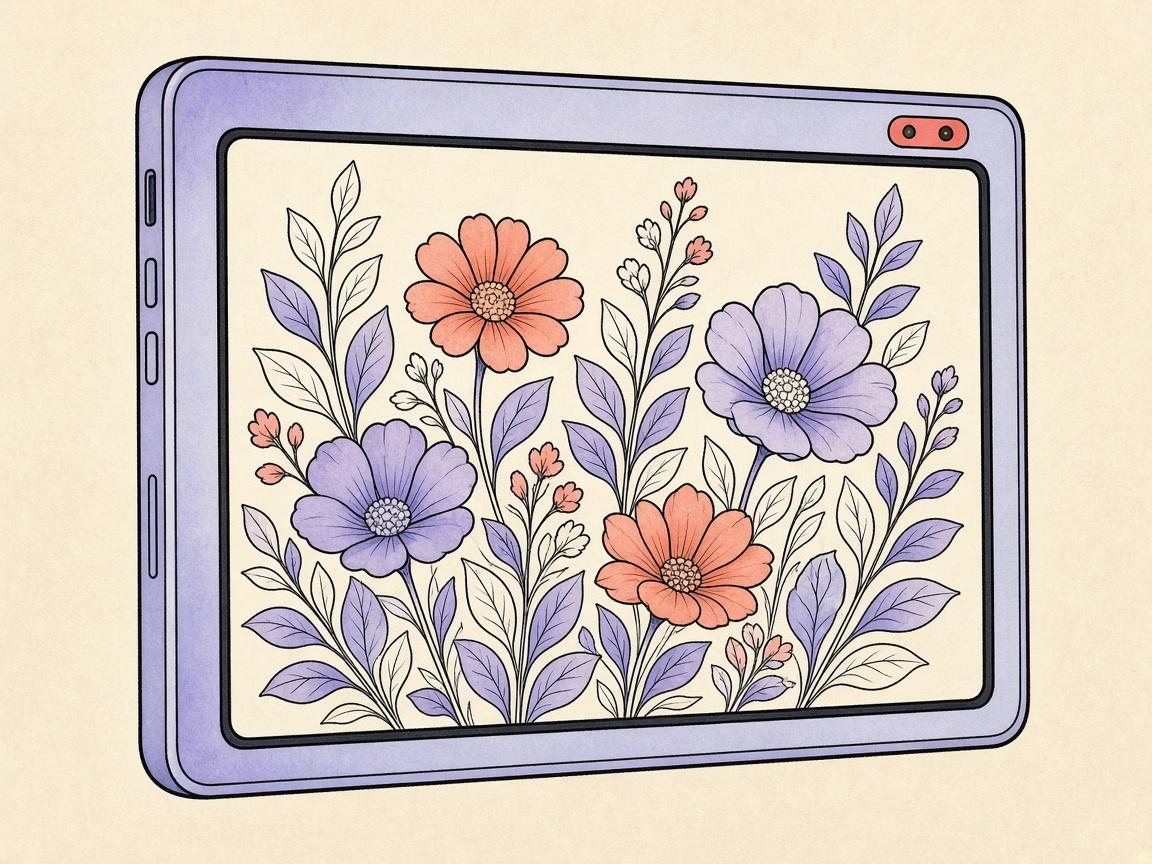
The best coloring app for Android depends on mechanic, free-tier honesty, and offline use — not a single Play Store sort order. Criteria beat crowns.
ColorDood is disclosed as our freehand product on Google Play. Try it when you want scholar-guided pages, no login, and an on-device gallery. Pick another title if you need numbered paint-by-number maps or a deep stylus studio.
Android criteria
- Freehand brushes vs color-by-number
- Finish pages without a forced subscription wall
- Offline library after install
- Clear catalog exclusions for families
- Export if you print
Where ColorDood scores
Eleven tools, 1000+ scholar-guided pages, offline gallery, no login. Excludes animals, birds, Christmas/Halloween packs, and licensed characters. For free-tier depth see free coloring app for Android.
Frequently asked questions
What is the best coloring app for Android?
It depends on freehand vs color-by-number, whether you can finish free pages, and offline behavior. ColorDood is a freehand Play Store option — not a universal #1 claim.
Is ColorDood on Google Play?
Yes. ColorDood is free to download on Android with freehand tools, offline gallery, and no login.
Should I trust Play Store rankings alone?
Use them as a starting list, then test the free tier yourself.
Ready to play a free coloring game?
Download ColorDood — free AI adult coloring book and coloring game with 1000+ pages, 11 tools, calming sounds, and no login required.