Adult coloring
Adult Coloring vs Kids Coloring Pages: What Is Different
Adult and kids coloring pages can look similar at a glance, but they differ in line density, subject, and pace. This guide explains those differences and how to pick pages for yourself.
Updated November 28, 2026 · 7 min read
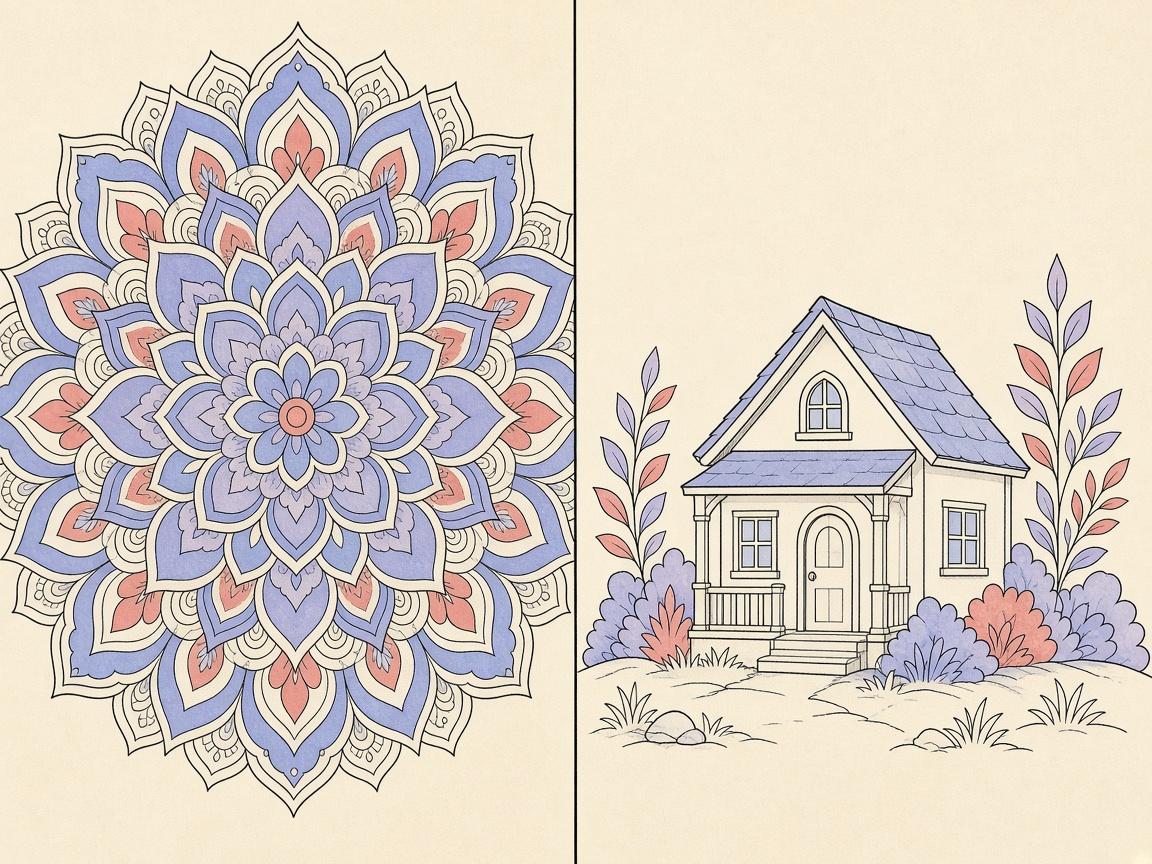
The main difference between adult coloring pages and kids coloring pages is usually the amount of detail. Adult pages tend to have denser line work, smaller enclosed spaces, and more intricate subjects such as mandalas, patterns, and detailed scenes. Kids pages often use bigger shapes, fewer lines, and simpler subjects. Neither is better in general. The right choice depends on what you want from the page and how much time you have.
This guide compares the two types in plain terms: line density, page size, subject matter, pace, and tool use. It also explains how the ColorDood Library serves both through its categories, and how to pick pages for yourself rather than for a child. It is not a ranking, and it does not claim any learning outcome for either type.
Line density and space size
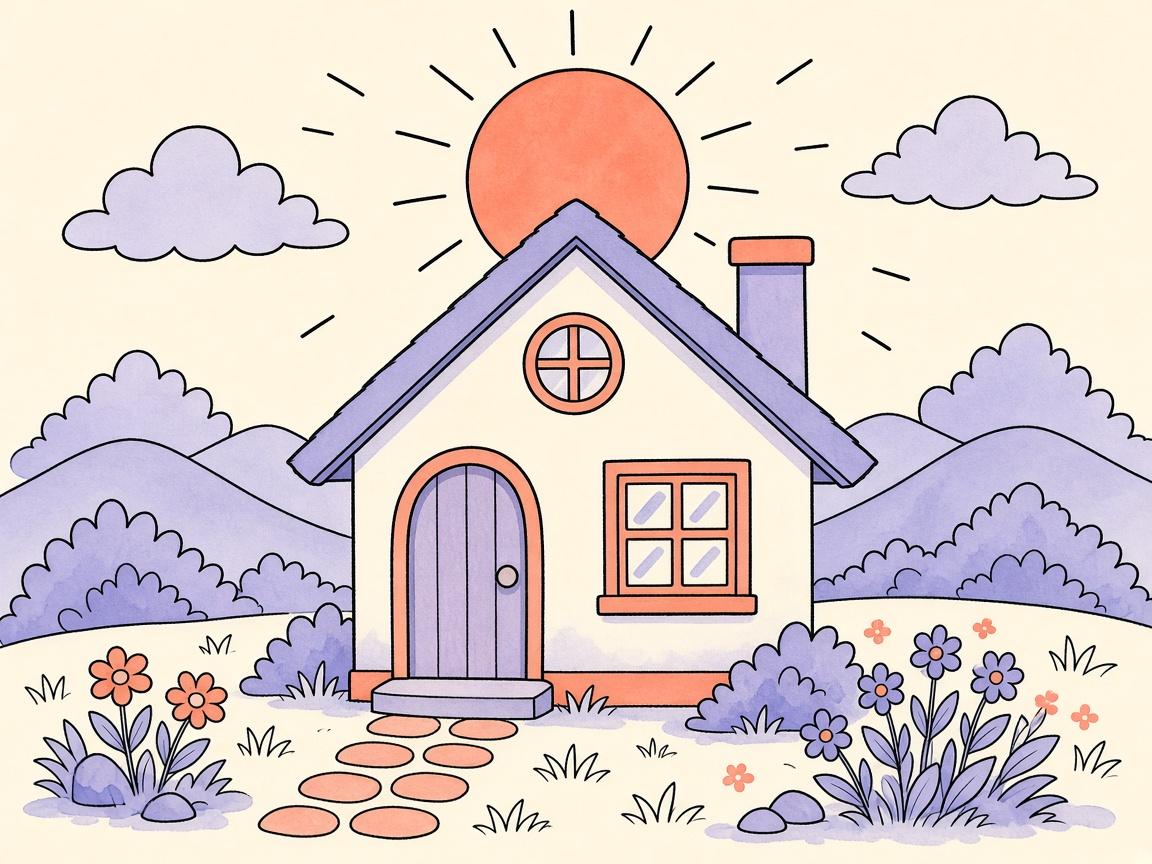
Line density is the most noticeable difference. A dense page has many lines close together, which means many small areas to color. That suits people who like precision and slow work, and it can take a long time to finish. A page with fewer, wider spaces is faster to fill and easier to color loosely. Neither approach is wrong. Choose the density that matches the time and attention you have.
In ColorDood, every page is shown on the same canvas size, 1040 by 1320, so the difference lies in the artwork itself. A dense page may need more zoom to reach small spaces. A simpler page may feel finished after a few quick passes.
Subject matter
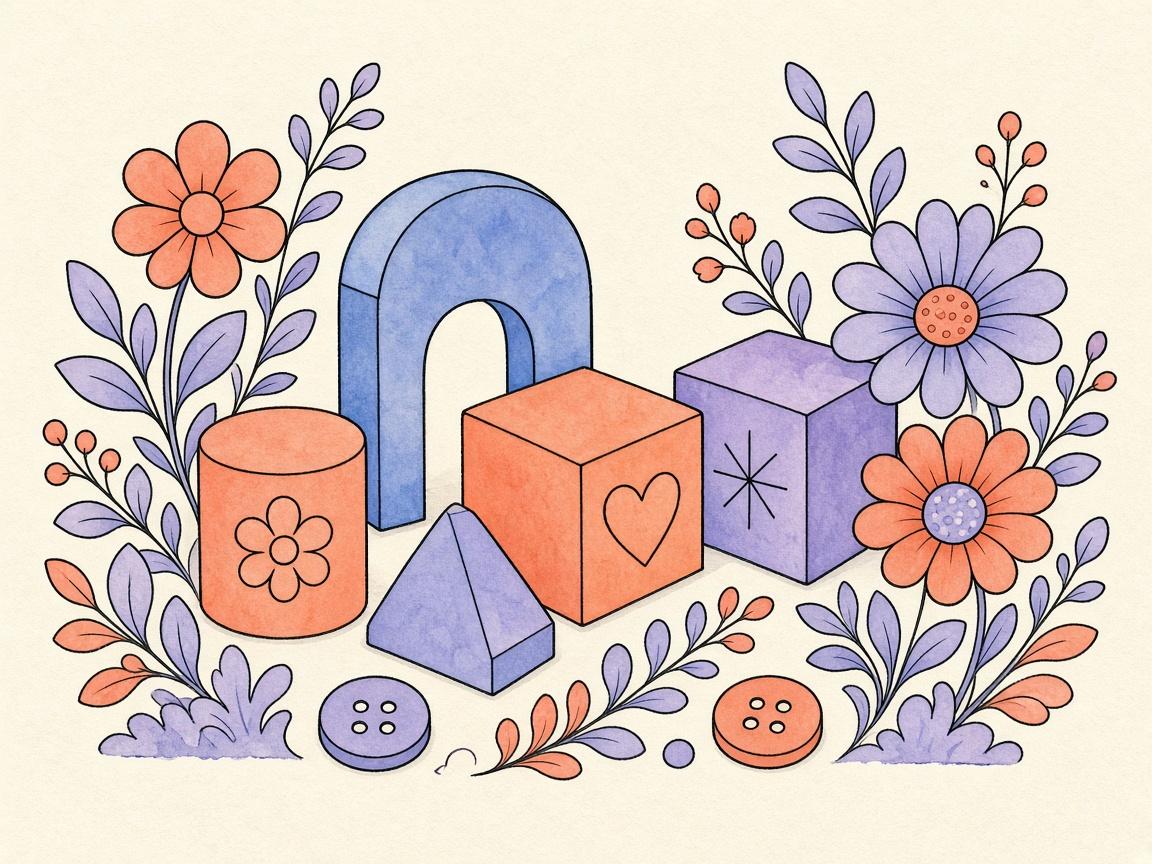
Adult pages often lean toward patterns, mandalas, flowers, fruit, home objects, vehicles, and everyday scenes with a lot of texture. Kids pages often focus on simple characters and bold outlines. ColorDood’s catalog uses a scholar-guided standard that covers objects, patterns, flowers, fruits, homes, vehicles, everyday scenes, and a set of 99 Names pages. It excludes animals, birds, holiday themes, and licensed characters. That is a product standard that applies to all pages in the app. It is not a religious ruling, and questions about rulings belong with qualified scholars.
Because the same standard applies to all pages, you will not find a separate adult section that changes the rules. You will find a Library that you can browse by category: All, Patterns & Mandalas, Plants & Fruit, Vehicles, and Home & Objects. Use the search by name or keyword if you want something specific.
Pace and session length
If a dense page feels slow after ten minutes, switch to a simpler page from the same category. The Library lets you move between pages quickly, and the gallery keeps the work you have done so far. Changing course is a normal part of the hobby.
Adult coloring is often done in short, regular sessions, and the pace can be slow on purpose. Kids coloring pages are often finished in one sitting. Neither pace is a rule. Some adults finish a page in ten minutes, and others spend several evenings on one design. ColorDood saves your work to the gallery when you leave the canvas, so you can stop at any point and return later.
Tools and how they are used
ColorDood has 11 tools, including Fill, Brush, Pencil, Marker, Watercolor, Neon, Glitter, Spray, Smudge, Eraser, and Eyedropper. Adults often use the fine tools and the zoom to work on small areas. Anyone can use the same set. What changes is how you combine them. A detailed page may call for a small brush and careful zooming. A simpler page may suit Fill for a quick base and a bolder tool for accents.
- Pick a dense page when you want a slow, detailed session
- Pick a simpler page when you want a quick finish
- Use Fill for large areas and a smaller brush for tight spaces
- Use zoom from 1x to 6x when the lines are close together
How to pick pages for yourself
When you choose a page, ask what you want from the session. If you want focus, a dense pattern may fit. If you want a short break, a simple object or a plant may work better. The Swipe deck is a good way to try different pages without planning. Swipe left to skip and right to color, and remember that skipped pages are not saved, so you can keep looking until one feels right.
- Decide how long you have, such as ten minutes or an hour
- Choose a density that fits that time
- Browse a category in the Library, or use Swipe to try a few pages
- Start with a base color on the larger areas
- Stop at a clear point and let the gallery save your work
How the Library serves both
The ColorDood Library does not keep a separate adult shelf and a separate kids shelf. It holds 134 built-in pages in one place, and you move through them with the category strip: All, Patterns & Mandalas, Plants & Fruit, Vehicles, and Home & Objects. Daily Calm, a featured page at the top of the Library, rotates by day. Each tile shows a color count badge, so you can see how many colors a page uses before you open it. When you already know what you want, search by name or keyword.
Because one catalog standard applies to every page, choosing a dense page or a simple page is a choice about how you want to spend your time. It is not a choice between two separate collections. The catalog covers objects, patterns, flowers, fruits, homes, vehicles, everyday scenes, and 99 Names pages. It excludes animals, birds, holiday themes, and licensed characters. This is a product standard, not a ruling, and it applies to every reader in the same way.
Page size and print versus screen
Printed coloring books come in many sizes, and the size of the paper affects how dense the lines can be. A small book may need finer detail to fit a design, while a large one can hold bigger spaces. On ColorDood, every page uses the same canvas, 1040 by 1320, and you use zoom from 1x to 6x to reach small areas. A dense page in the app is therefore a question of zooming, not of paper size.
If you switch between a paper book and the phone, you may notice that the same design feels different at each size. ColorDood is portrait only, so both adult and kids pages are viewed the same way on the screen. Try a page in each format before you decide which one you prefer.
What this comparison is not
This is not a ranking. It does not say that adult pages are more mature or that kids pages are less worthwhile. It also does not make claims about learning, development, stress, or mood. Coloring can be a simple pleasure at any age, and that is the only claim this guide makes. If you are choosing pages for a child, check the pages yourself and talk with the child about what they enjoy. The app’s catalog standard applies to every page, but your household decisions are your own.
Try one dense page and one simple page this week. Notice which one you return to, and let that guide your next choice.
Frequently asked questions
What is the main difference between adult and kids coloring pages?
Adult pages usually have more lines, smaller spaces, and more detailed subjects. Kids pages often have bigger shapes and simpler scenes. Both can be enjoyed at any age, so the choice depends on what you want to do.
Can adults use kids coloring pages in ColorDood?
Yes. The Library holds one set of built-in pages, organized by category, and any page can be colored by anyone. Pick the pages that feel right for you.
Does ColorDood treat adult and kids pages differently?
The same Library serves both audiences through its categories. The catalog follows one scholar-guided standard for all pages. That standard is a product choice, not a religious ruling.
Is this article a ranking of which type is better?
No. It describes differences so you can choose. Neither type is better in general, and this guide does not claim any learning or developmental benefit for either.
Ready to play a free coloring game?
Download ColorDood — free AI adult coloring book and coloring game with 1000+ pages, 11 tools, calming sounds, and no login required.